I Translated 'I Need a Beer' and It Became a LinkedIn-Style Self-Improvement Post
Kagi Translate has added a 'LinkedIn Speak' translation mode. 'I need a beer' gets transformed into 'a post about self-care and optimal performance' — perfectly parodying corporate jargon. The feature went viral on Hacker News with 331 upvotes and...
I typed 'I need a drink' into an AI translator and got this result:
"Today I took a moment to deeply reflect on self-care and optimal professional performance..."
That over-the-top tone you see on LinkedIn every day — AI has nailed it perfectly. With 331 upvotes and 87 comments on Hacker News, the feature behind this is Kagi Translate's 'LinkedIn Speak' translation mode.
AI Has Perfectly Learned Corporate Buzzword Speak
Kagi Translate is a free AI translation service built by Kagi, a privacy-focused search engine. While Google Translate supports 243 languages, Kagi supports 244 languages — plus a set of 'fun languages.' The most talked-about of these is LinkedIn Speak.
One look at the translations shared by Hacker News users and you'll immediately see why this went viral.
Original: "I am starting a new job as a janitor at Google"
LinkedIn Speak translation: "I am thrilled to announce that I am embarking on a new journey at one of the world's leading tech companies as a Specialized Environmental Maintenance Contractor..."
Original: "I am."
LinkedIn Speak translation: From just two words, the AI generated an entire paragraph starting with "I am a passionate, results-driven, innovation-oriented professional..."
What really got Hacker News commenters talking was what happens when you input something sad. When users typed in unemployment or health problems, the AI turned even those into "inspiring LinkedIn posts." It was a perfect demonstration of just how aggressively LinkedIn culture packages human experiences.
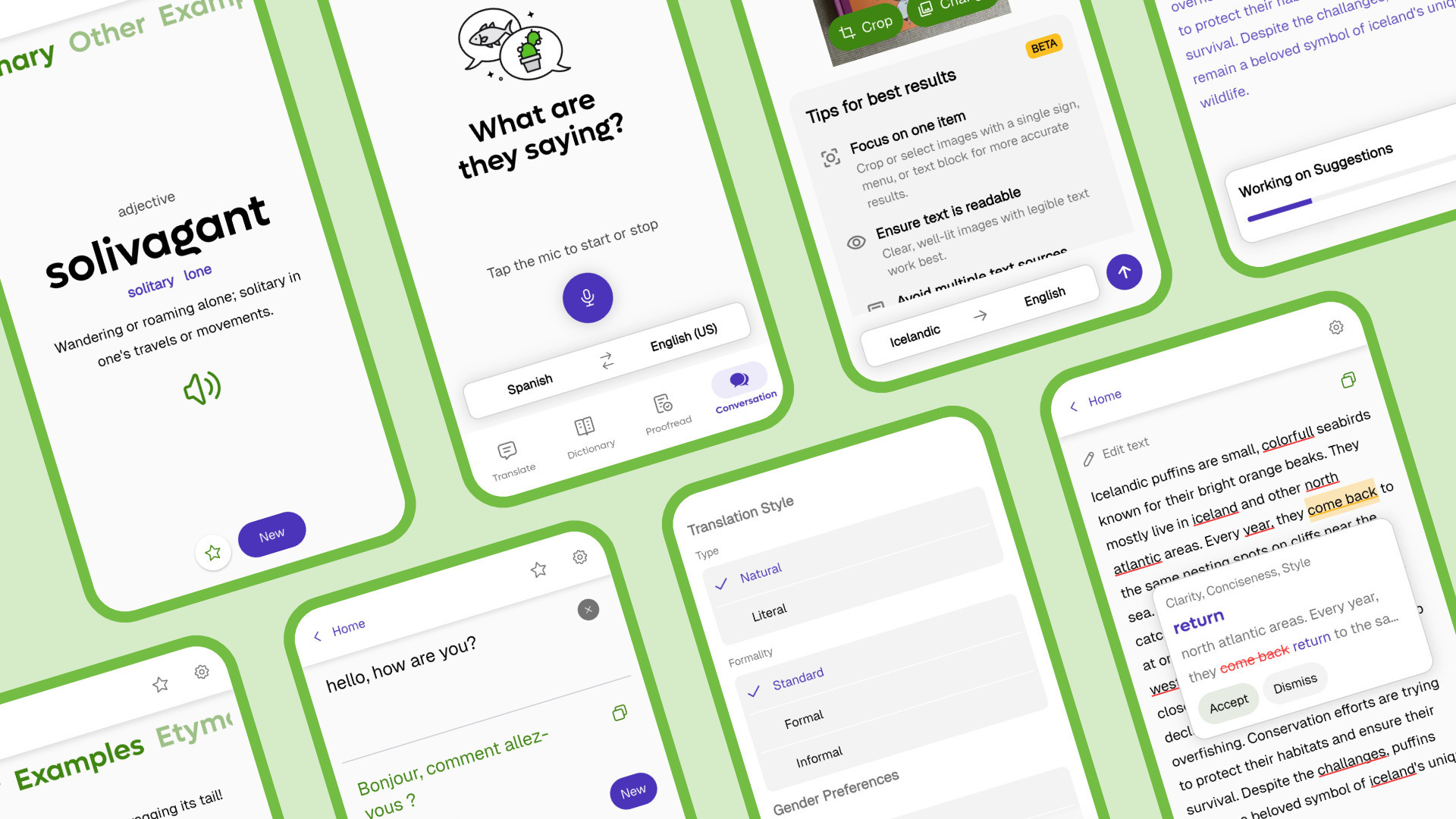
It's Not Just LinkedIn Speak — There's Pirate, Gen Z, and Klingon Too
As users dug deeper into the feature, they uncovered something interesting: you can type any style you want into the URL bar and it will translate into virtually any tone. Here are just the officially supported 'fun languages.'
Pirate Speak
Arrr matey!
Gen Z Speak
No cap fr fr
Klingon
Star Trek
Emoji Speak
All emojis
Dothraki
Game of Thrones
Elvish
Lord of the Rings
LinkedIn Speak
Corporate jargon
Middle English
Ye olde tongue
Hacker News users took it a step further, trying custom styles like "angry guy" and "Morgan Freeman" — and remarkably, most of them worked. This shows that the AI translation engine doesn't just swap words between languages — it understands tone and context as well.
The Translation Quality Is Actually Impressive — How It Differs from Google Translate
Behind the fun features, Kagi Translate's core strength is serious AI translation. Here's how it compares.
According to Kagi, they achieve higher translation quality by combining multiple AI models and selecting the best result. Rather than relying on a single AI, they compare translations from several models and choose the optimal output.
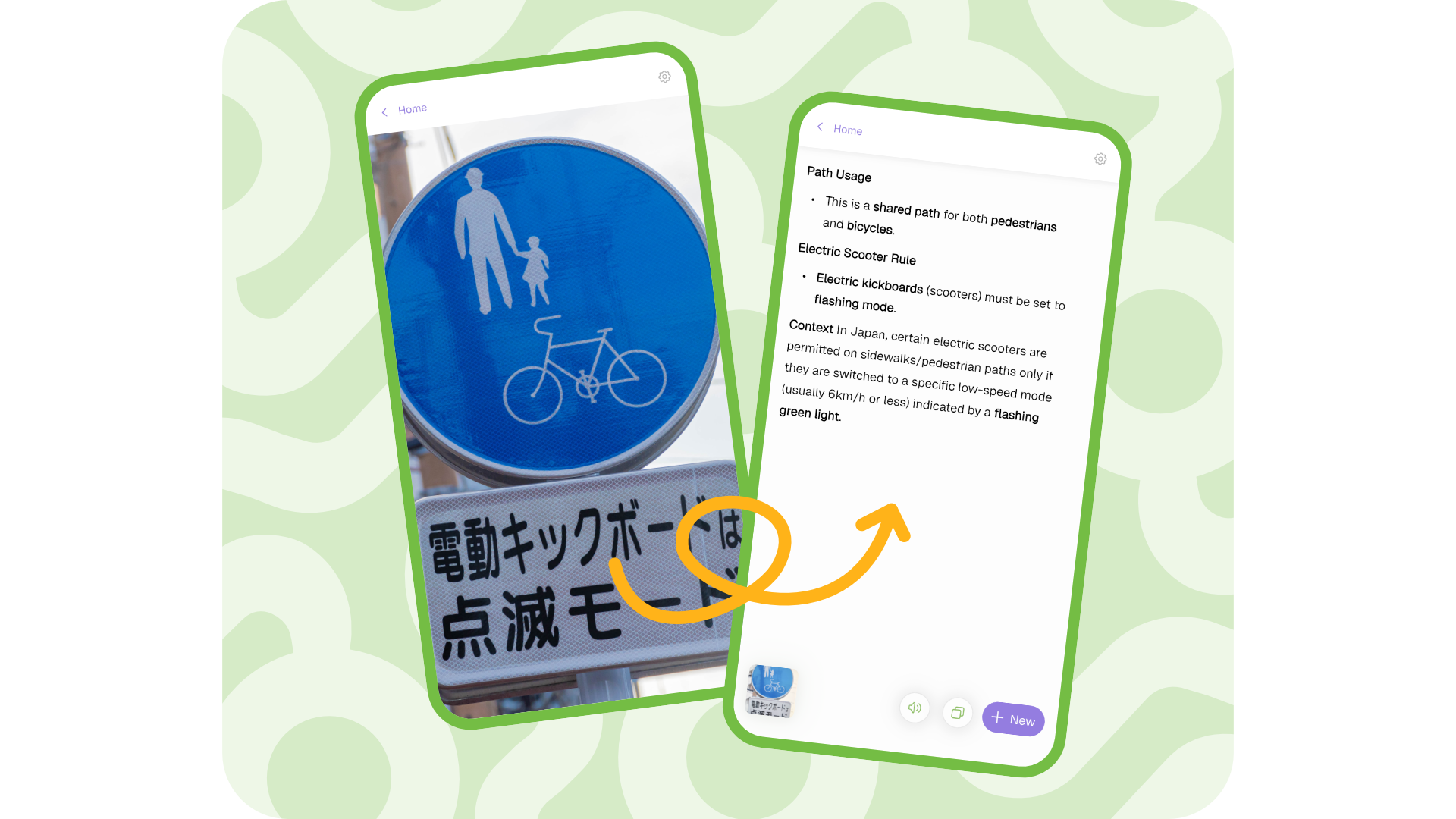
On the mobile app, you can snap a photo with your camera and instantly translate signs, menus, and notices. The image above shows an example of a Japanese e-scooter road sign being translated into English.
How to Try It Right Now
Here's how to get started, from fastest to most full-featured.
1. Try LinkedIn Speak Translation (1 second)
Click the link below to get started instantly. Type any sentence in English on the left side.
2. Translate an Entire Webpage (5 seconds)
If you have a foreign-language page you want translated, just add translate.kagi.com/ before the URL.
Example: translate.kagi.com/https://example.com/article
3. Install the Mobile App
Search for "Kagi Translate" on the iOS App Store or Google Play Store to download it for free. It includes camera translation and voice conversation translation features.
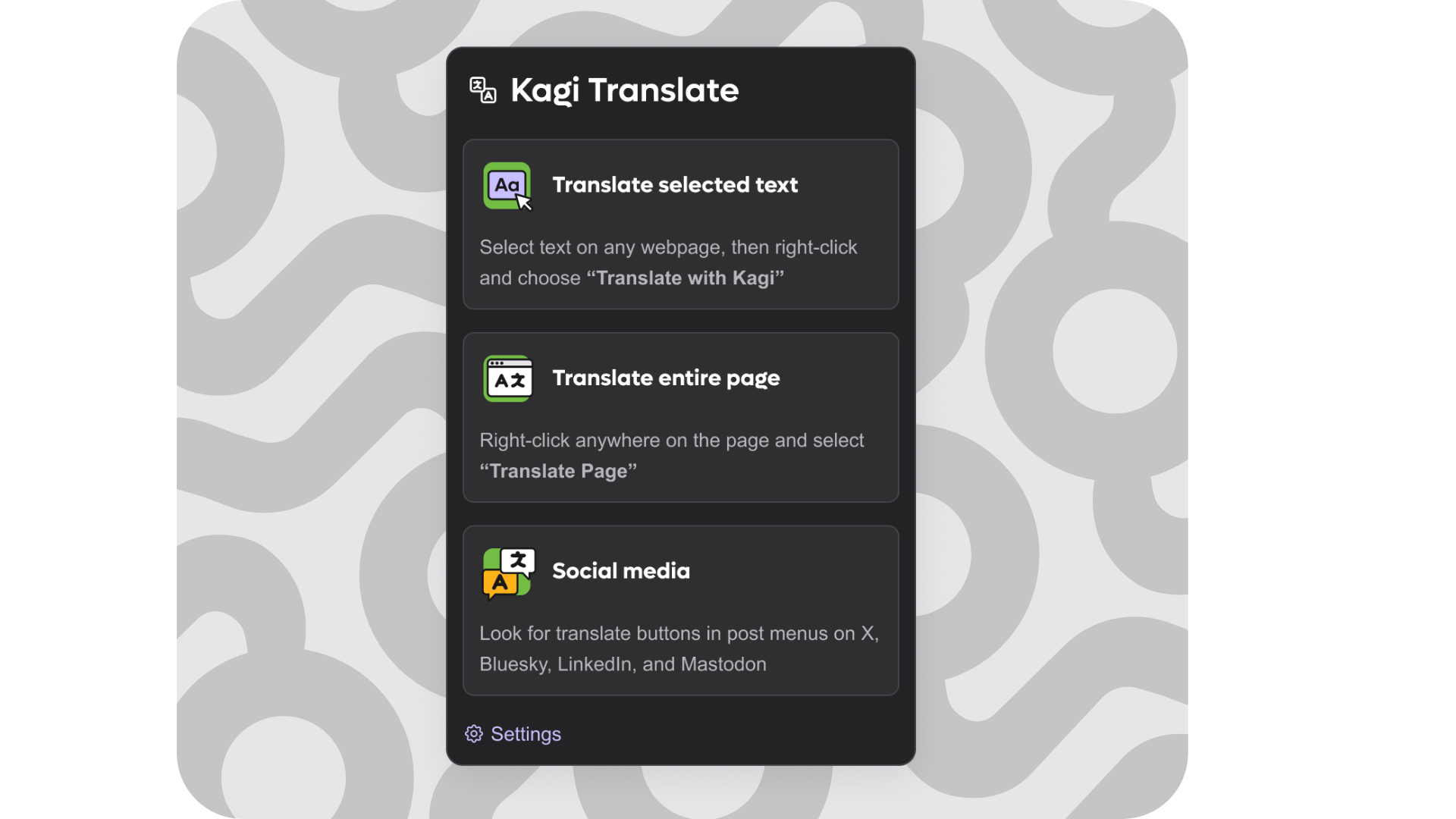
With the browser extension installed, simply select text on any webpage and right-click to get an instant translation. Translation buttons also appear automatically on social media platforms like X (Twitter), Bluesky, LinkedIn, and Mastodon.
One Minor Drawback
Hacker News users discovered an amusing limitation: reverse translation doesn't work well. When you ask it to translate LinkedIn-speak back into plain English, it fails to strip out the corporate fluff. It seems AI is great at generating buzzword-laden prose but still struggles to cut through it.
The Landscape of AI Translation Is Shifting
What Kagi Translate demonstrates goes beyond just being a 'fun translator.' It's a signal that AI translation has moved past word-for-word substitution into a stage where it understands tone, culture, and context. We're transitioning from an era of 'accurate translation' to one of 'context-aware translation.'
Most impressively, all of this is free and collects no personal data. If you've been habitually relying on Google Translate, it's well worth giving Kagi a try.
To learn more about AI and vibe coding, check out our Free Learning Guide.
Related Content — More AI News | Free Learning Guide
Sources
Stay updated on AI news
Simple explanations of the latest AI developments