This CLI saves AI agents 32x the tokens MCP wastes
Apideck CLI offers AI agents a token-efficient alternative to MCP, cutting context window usage by up to 32x through progressive discovery instead of pre-loading schemas.
If you've ever used MCP (Model Context Protocol — the system that lets AI agents like Claude Code connect to external tools), you've probably noticed something frustrating: your AI runs out of memory faster than it should. A new tool called Apideck CLI explains why — and offers a fix that's generating heated debate among developers.
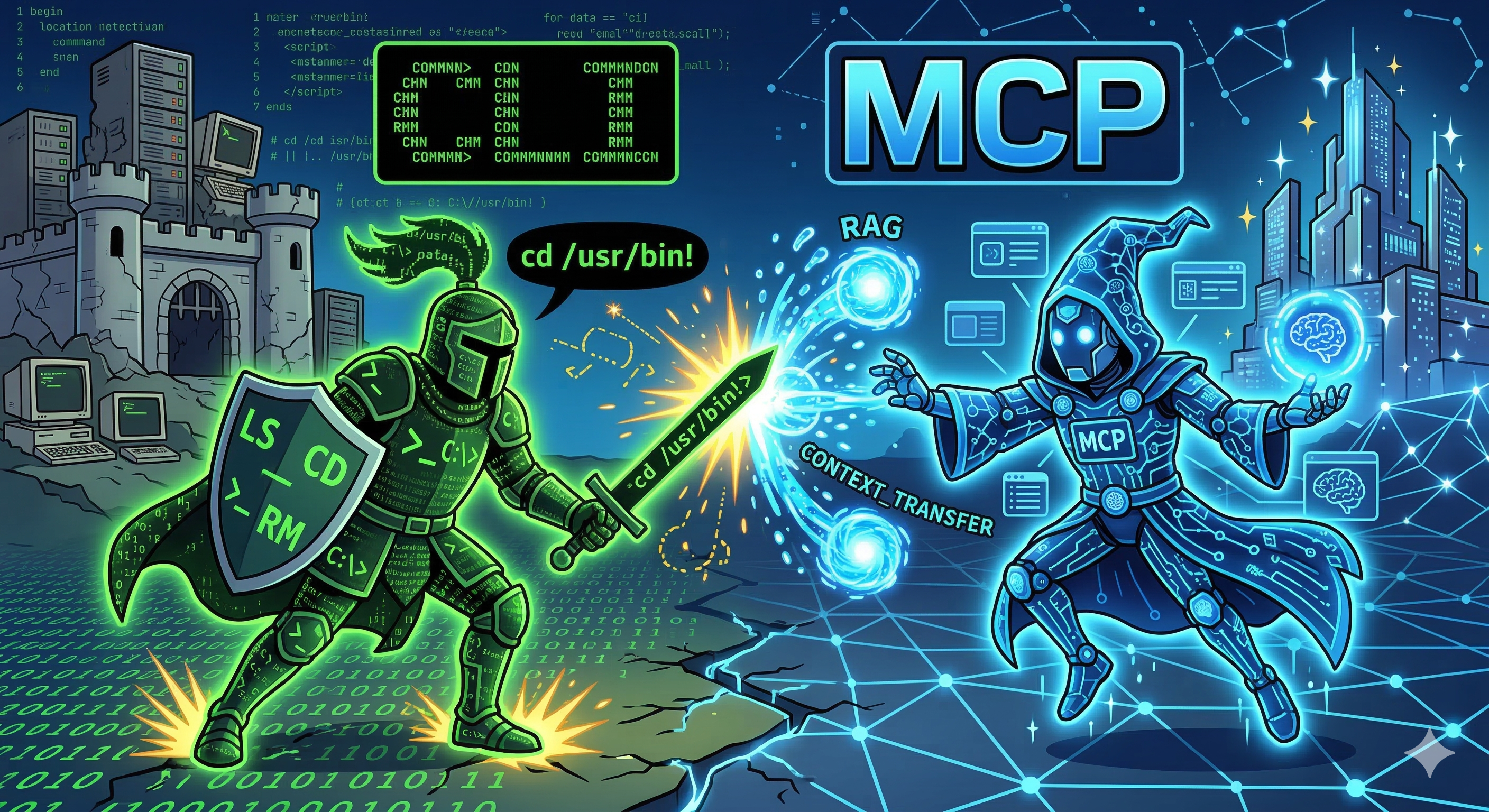
The Hidden Cost of Connecting AI to Your Tools
Here's the problem: when you connect three services — say GitHub, Slack, and Sentry — through MCP, the AI has to load all their tool definitions upfront. That eats 55,000+ tokens before the AI even reads your first message. That's over 25% of Claude's 200K context window — gone, just on setup.
Independent benchmarks from Scalekit confirmed the waste is real: MCP costs 4 to 32 times more tokens than CLI for identical tasks. A simple check that used 1,365 tokens via CLI consumed 44,026 tokens via MCP — a 32x difference.
How Apideck CLI Works Differently
Instead of dumping thousands of tool definitions into the AI's context window, Apideck CLI uses progressive discovery. The AI starts with just ~80 tokens of instructions — essentially "here's how to ask for help" — then explores capabilities on-demand using --help commands, like a person browsing a menu rather than memorizing the whole cookbook.
The result: a typical task uses ~400 tokens total versus 10,000+ with MCP. That frees up your AI's context window for the actual work you need done.
Built-in Safety Controls
Apideck CLI also classifies operations by risk level automatically:
Write operations (creating/updating) → asks for confirmation
Delete operations → blocked by default, requires explicit override
This means a rogue prompt can't trick your AI into deleting data — the safety is enforced at the tool level, not just in the AI's instructions.
Try It Yourself
Apideck CLI is free and open-source under the MIT license. Install it with one command:
# Install via Homebrew
brew install apideck-libraries/tap/apideck

# Or via Go
go install github.com/apideck-libraries/cli/cmd/apideck@latest

# Install as a Claude Code skill
apideck skill install
Then explore APIs interactively:
apideck --list                         # See available APIs
apideck accounting invoices list       # List invoices
apideck crm contacts create --name "Jane Doe"  # Create a contact
apideck explore                        # Interactive browser
The Developer Community Is Divided
The Hacker News discussion (137 points, 123 comments) shows a genuine split. An MCP core maintainer pushed back, arguing modern MCP clients now use smart tool search to reduce bloat. Enterprise developers pointed out MCP's strengths in team credential management and audit trails.
The emerging consensus: CLI wins for solo developers and cost-sensitive tasks (lower tokens, works everywhere). MCP wins for teams needing centralized security policies, compliance controls, and credential management across organizations.
One developer summed it up: "This isn't MCP vs CLI — it's knowing when each tool is the right fit."
Who Should Care
If you use Claude Code, Cursor, or any AI coding agent and find your context window filling up too fast, Apideck CLI is worth testing. It connects to 300+ services (accounting, CRM, HR tools) through Apideck's unified API — all with dramatically lower token overhead.
If you manage a team using AI agents at work, the MCP vs CLI debate matters for your budget. Token costs add up fast, and choosing the right integration pattern could cut your AI API bills significantly.
If you're building AI agents, this article is a must-read for understanding the three competing approaches to tool integration in 2026: MCP with compression, code execution, and CLI interfaces.
Related Content — Get Started with Easy Claude Code | Free Learning Guides | More AI News
Stay updated on AI news
Simple explanations of the latest AI developments