Ollama just gave your local AI web search
Ollama v0.18.1 adds web search to OpenClaw, its local AI assistant. Now your AI can search the internet from your laptop — without sending data to the cloud.
Ollama — the open-source tool that lets you run AI models on your own computer — just shipped v0.18.1 with a feature many users have been waiting for: web search for local AI models. If you run AI privately on your laptop, it can now search the internet for answers, all without sending your data to anyone's cloud.
The update brings web search and web fetch capabilities to OpenClaw, Ollama's personal AI assistant that launched in February 2026. With 165,000 GitHub stars, Ollama is one of the most popular tools for running AI locally — and this update makes it significantly more useful for everyday tasks.

What OpenClaw actually does
Think of OpenClaw as your own private ChatGPT that lives entirely on your computer. You can chat with it through WhatsApp, Telegram, Slack, Discord, or iMessage — the same apps you already use every day. It connects your messaging apps to powerful AI models running locally on your machine.
The key difference from ChatGPT or Claude? Nothing leaves your device. Your conversations, files, and data stay on your own hardware. For anyone handling sensitive work — lawyers, accountants, healthcare workers, freelancers with NDAs — this is a big deal.
• Search the web for current information (NEW in v0.18.1)
• Read and manage your files
• Run coding tasks through AI agents
• Work across WhatsApp, Telegram, Slack, Discord, and iMessage
• Remember your preferences across conversations
Web search changes everything for local AI
Until now, local AI models had a major limitation: they could only answer from what they already knew (their training data). Ask about today's weather, a recent news story, or current stock prices and you'd get nothing useful — or worse, a confident but wrong answer.
With v0.18.1, OpenClaw can now search the web and pull in live information. Cloud-hosted models get this automatically. If you run models locally on your own GPU, you can add it with one command:
openclaw plugins install @ollama/openclaw-web-searchThe web search doesn't execute JavaScript (which means it avoids tracking scripts and ads), and it extracts clean, readable text from web pages. It's fast, private, and practical.
Set it up in under 2 minutes
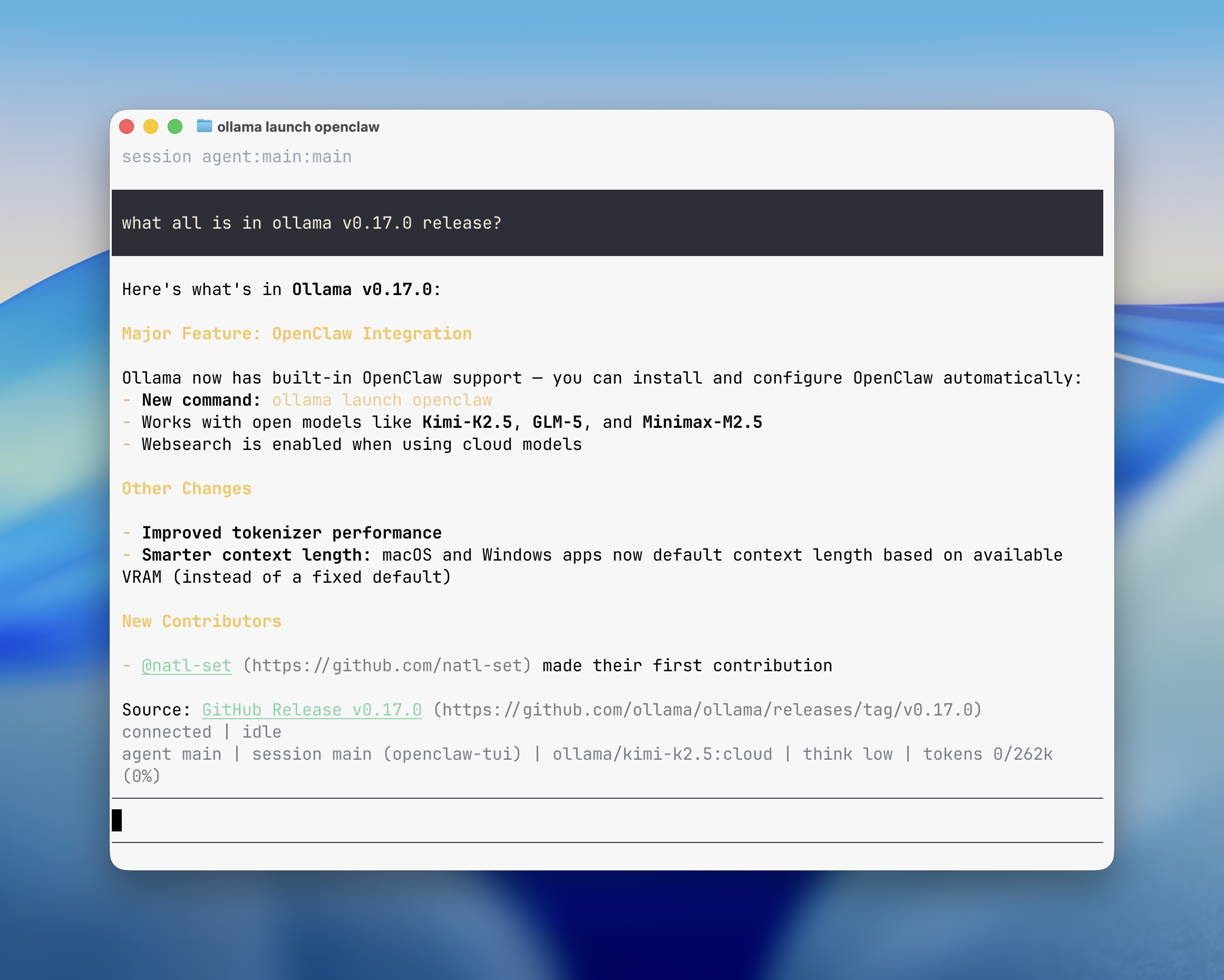
If you already have Ollama installed, getting OpenClaw running takes a single command:
ollama launch openclaw --model kimi-k2.5:cloudOllama will auto-detect if OpenClaw needs to be installed and handle everything for you. Once it's running, connect your messaging apps:
openclaw configure --section channels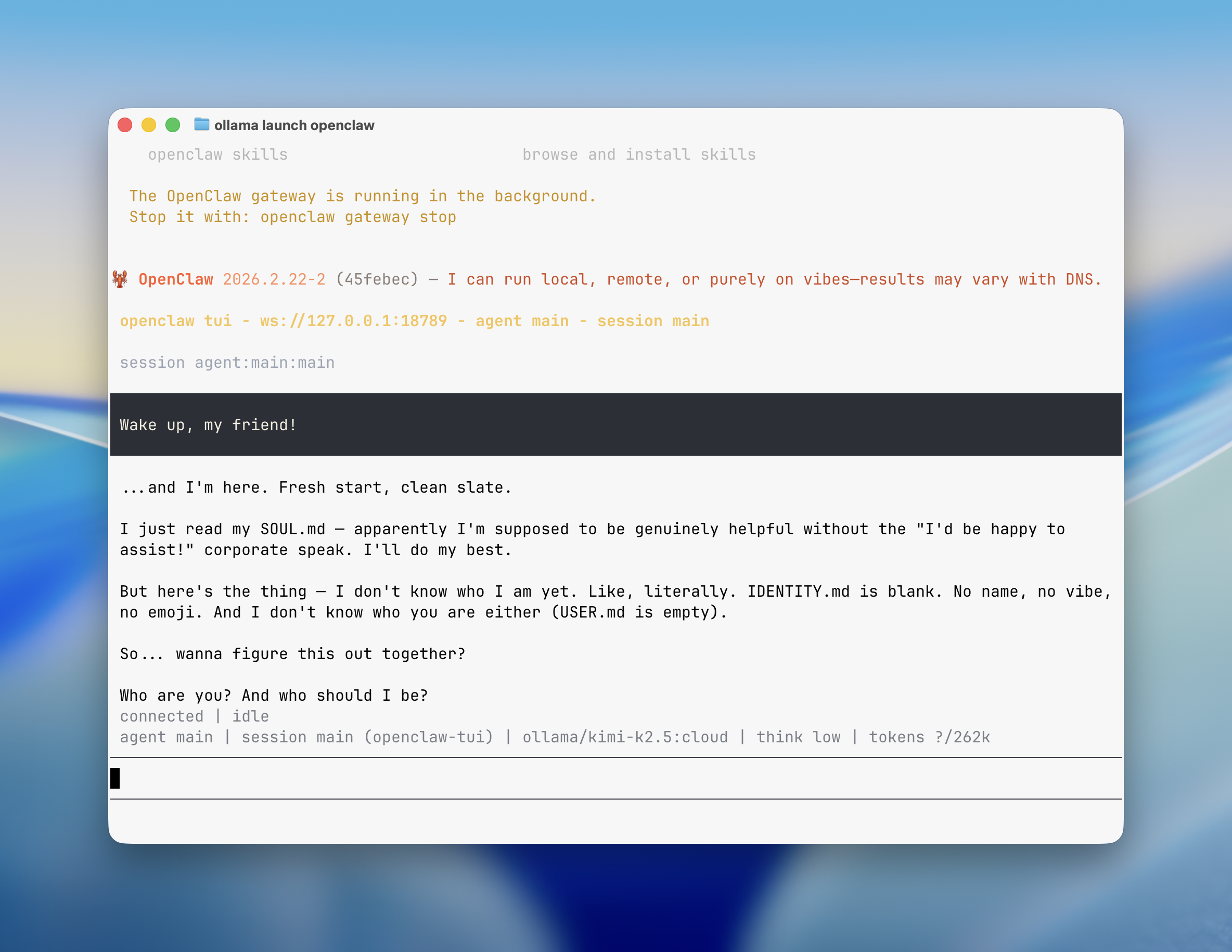
Which AI model should you pick?
OpenClaw works with several models. Here's a quick guide:
Local models (runs on your GPU — full privacy):
Also new: headless mode for automation
For power users and developers, v0.18.1 also added headless mode — a way to run Ollama without any interactive prompts. This means you can put Ollama inside automated workflows (think: scheduled tasks that run overnight, processing pipelines, or CI/CD systems that test code automatically).
ollama launch claude --model kimi-k2.5:cloud --yes -- -p "summarize this week's sales report"The --yes flag skips all prompts and auto-downloads models as needed. Perfect for anyone building AI automations that need to run unattended.
Why this matters for everyday users
The AI landscape is splitting into two camps: cloud services (ChatGPT, Claude, Gemini) where companies process your data on their servers, and local tools (Ollama, LM Studio) where everything stays on your machine. Ollama's latest update narrows the gap significantly.
Before v0.18.1, choosing local AI meant giving up web access. Now you get the best of both worlds: private AI that can still search the internet when it needs to. For anyone who's been hesitant to try local AI because it felt too limited, this removes one of the biggest barriers.
Ollama is free and open-source, available for macOS, Windows, Linux, and Docker. You can install it from ollama.com or browse the source code on GitHub (165k stars).
Related Content — Get Started with Easy Claude Code | Free Learning Guides | More AI News
Stay updated on AI news
Simple explanations of the latest AI developments