Job-Ops automates the entire job hunt — from scraping to resume to tracking
Job-Ops applies DevOps principles to job hunting: it scrapes 7 job boards, AI-scores each listing, generates tailored resumes, and tracks recruiter replies. Free, self-hosted, 2K GitHub stars.
Finding a job in 2026 means opening seven tabs, copy-pasting the same information into different forms, and losing track of which company you already applied to. A new free project called Job-Ops just hit 2,000 GitHub stars by turning the entire job search into an automated pipeline — and it's trending on GitHub today.
The idea is simple: treat job hunting the way software engineers treat code deployment. Set it up once, and let the system do the repetitive work.
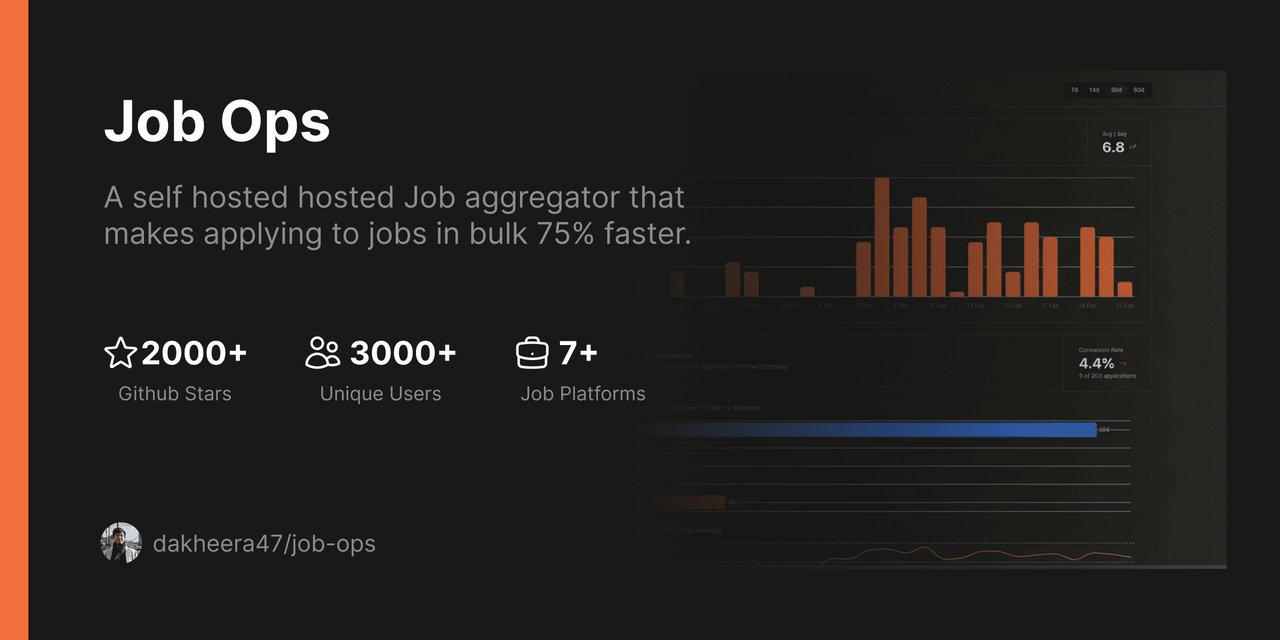
From job boards to tailored resume in one pipeline
Job-Ops connects to seven major job boards simultaneously — LinkedIn, Indeed, Glassdoor, Adzuna, Hiring Café, Gradcracker, and UK Visa Jobs — and scrapes listings that match your criteria. But scraping is just the first step.
The 4-step pipeline
1. Scrape — Automatically pulls listings from 7 job boards based on your preferences
2. Score — AI ranks every job from 0 to 100 based on how well it matches your skills and experience
3. Tailor — For top-scoring jobs, it generates a custom resume PDF with optimized keywords and summary
4. Track — Connects to your Gmail to detect interview invitations, rejections, and offers automatically
AI does the matching — you make the decisions
The AI scoring system supports multiple providers: OpenAI, Google Gemini, OpenRouter, or fully local models via Ollama (the popular app that runs AI on your own computer). This means you can run the entire pipeline without sending your job data to any cloud service.
Each job gets a suitability score from 0 to 100 based on your profile. Jobs scoring above your threshold automatically get a tailored resume generated through RxResume v4, a free resume builder. The system customizes the summary, highlights relevant skills, and optimizes keywords — all without you touching a single form field.
Email tracking closes the loop
The feature that sets Job-Ops apart from simple job scrapers is its "Smart Router" — an AI-powered email classifier that connects to your Gmail account and automatically categorizes recruiter responses. Applied to a company last week? The system detects whether the reply is an interview invite, a rejection, or a generic acknowledgment, and updates your application status accordingly.
No more spreadsheets. No more forgetting which companies you've heard back from.
Self-hosted and free — here's how to start
Job-Ops runs entirely on your own computer using Docker (a tool that packages software so it runs the same way everywhere). Setup takes about 10 minutes:
git clone https://github.com/DaKheera47/job-ops.git
cd job-ops
docker compose up -d
# Open http://localhost:3005 in your browser
You'll need a free API key from any supported AI provider (or install Ollama to run AI locally for free). Gmail integration is optional but recommended for the tracking feature.
Quick specs
Price: Free (AGPLv3 license)
GitHub stars: 2,000+ (trending today)
Runs on: Any computer with Docker
AI providers: OpenAI, Gemini, OpenRouter, Ollama (local)
Job boards: LinkedIn, Indeed, Glassdoor, Adzuna, Hiring Café, Gradcracker, UK Visa Jobs
Data storage: Local SQLite — your data never leaves your machine
Cloud version: Coming soon (waitlist at try.jobops.app)
Who is this for?
Job seekers tired of the copy-paste grind. If you're applying to 20+ positions a week, the time savings are significant. Instead of manually searching seven sites, customizing each resume, and tracking responses in a spreadsheet, Job-Ops handles the mechanical parts so you can focus on preparing for interviews.
Career changers benefit from the AI scoring — it highlights which roles you're genuinely qualified for based on your actual skills, not just keyword matches. And because everything runs locally, your employment data stays private.
A cloud-hosted version is in development for people who don't want to deal with Docker. You can join the waitlist at try.jobops.app.
Related Content — Get Started with Easy Claude Code | Free Learning Guides | More AI News
Sources
Stay updated on AI news
Simple explanations of the latest AI developments