This 25 MB AI gives any device a human voice
KittenTTS fits a realistic text-to-speech AI into just 25 megabytes. It runs on any CPU — no GPU, no cloud, no internet needed.
KittenTTS just hit 11,400 GitHub stars and the front page of Hacker News with 361 comments — and for good reason. It's a text-to-speech AI that fits into 25 megabytes and runs entirely on your computer's regular processor. No graphics card. No cloud connection. No internet required.
Smaller than a photo, smarter than you'd expect
Most AI voice models need gigabytes of storage and expensive graphics cards to run. KittenTTS flips that equation. The team at KittenML built three model sizes:
🔹 Mini — 80 million parameters (a measure of the AI's complexity), 80 MB on disk. Best quality.
🔹 Micro — 40 million parameters, 41 MB. The balanced option.
🔹 Nano — 15 million parameters, just 25 MB. Runs on a Raspberry Pi.
For comparison, popular voice AI models like Bark or XTTS-v2 are typically 1–4 GB and need a dedicated GPU. KittenTTS Nano is smaller than most smartphone photos.
Eight voices, instant results
The model ships with 8 built-in voices — Bella, Jasper, Luna, Bruno, Rosie, Hugo, Kiki, and Leo. On a modern laptop processor, it generates speech at 5x real-time speed (a 10-second clip takes about 2 seconds to create). Even on a budget dual-core processor, it stays under 2 seconds for standard sentences.
The audio comes out at 24 kHz (CD-quality) with adjustable speed controls. You can go from normal pace to fast narration with a single parameter change.
Who this is for
App developers: Add voice to any app without paying per-word API fees. The Apache 2.0 license means commercial use is free.
Hardware tinkerers: Run voice synthesis on a Raspberry Pi, IoT device, or any embedded system. No GPU, no cloud bills.
Privacy-conscious users: Your text never leaves your device. No data sent to any server, ever.
Content creators: Generate voiceovers for videos, podcasts, or presentations without subscription fees.
The honest trade-offs
Hacker News commenters noted some real limitations. The voices can sound "over-acted" or artificial compared to larger models — one commenter compared them to "anime dubs." This is an early preview trained on less than 10% of the final dataset, and the team promises quality improvements in coming releases.
There's also a licensing wrinkle: the code depends on a component (espeak-ng) that uses a stricter license (GPL-3.0), which may limit some commercial uses until the team releases a standalone version they've promised.
Try it in 3 lines of Python
pip install https://github.com/KittenML/KittenTTS/releases/download/0.8.1/kittentts-0.8.1-py3-none-any.whl

from kittentts import KittenTTS
import soundfile as sf

model = KittenTTS("KittenML/kitten-tts-nano-0.8-int8")
audio = model.generate("Hello world!", voice="Luna")
sf.write("output.wav", audio, 24000)
Or try it directly in your browser with the community web demo that runs entirely client-side using WebAssembly — no installation needed.
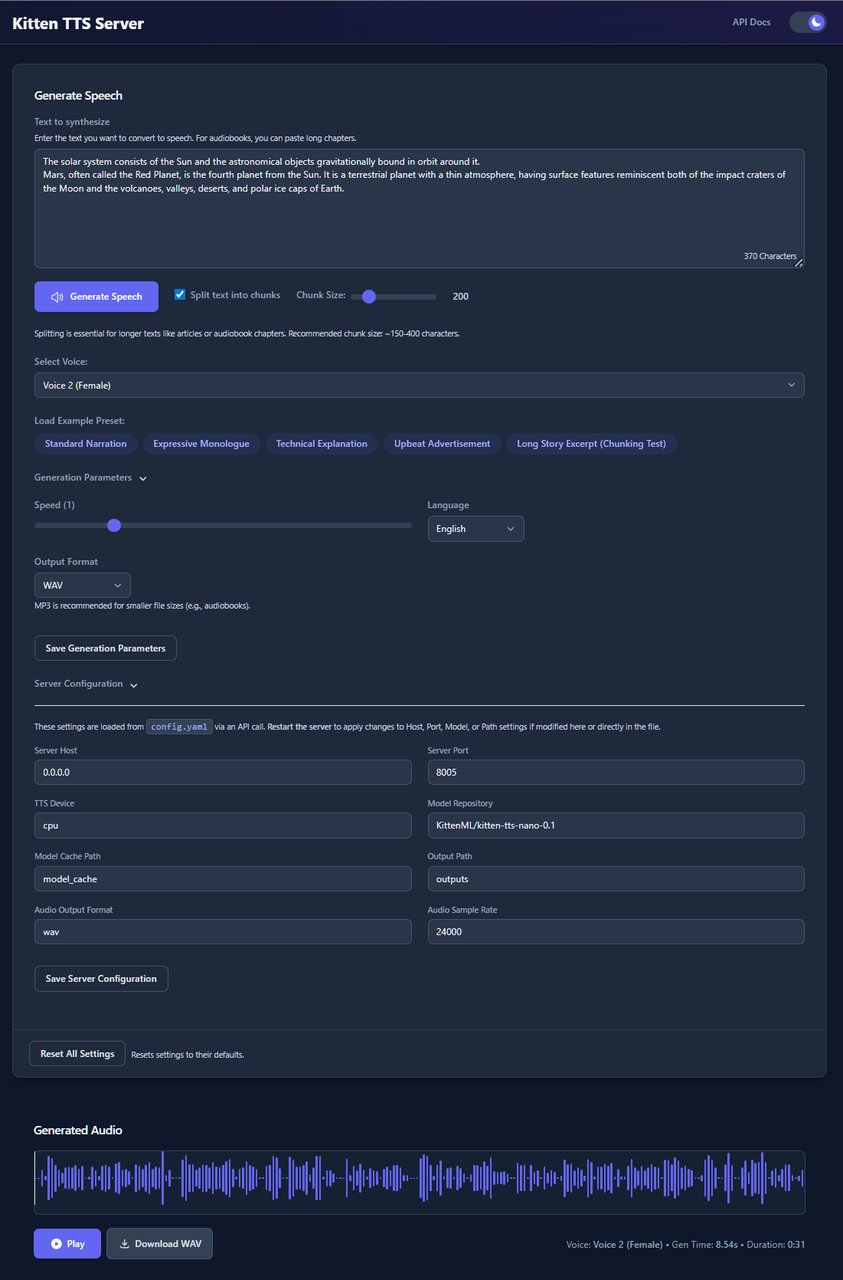
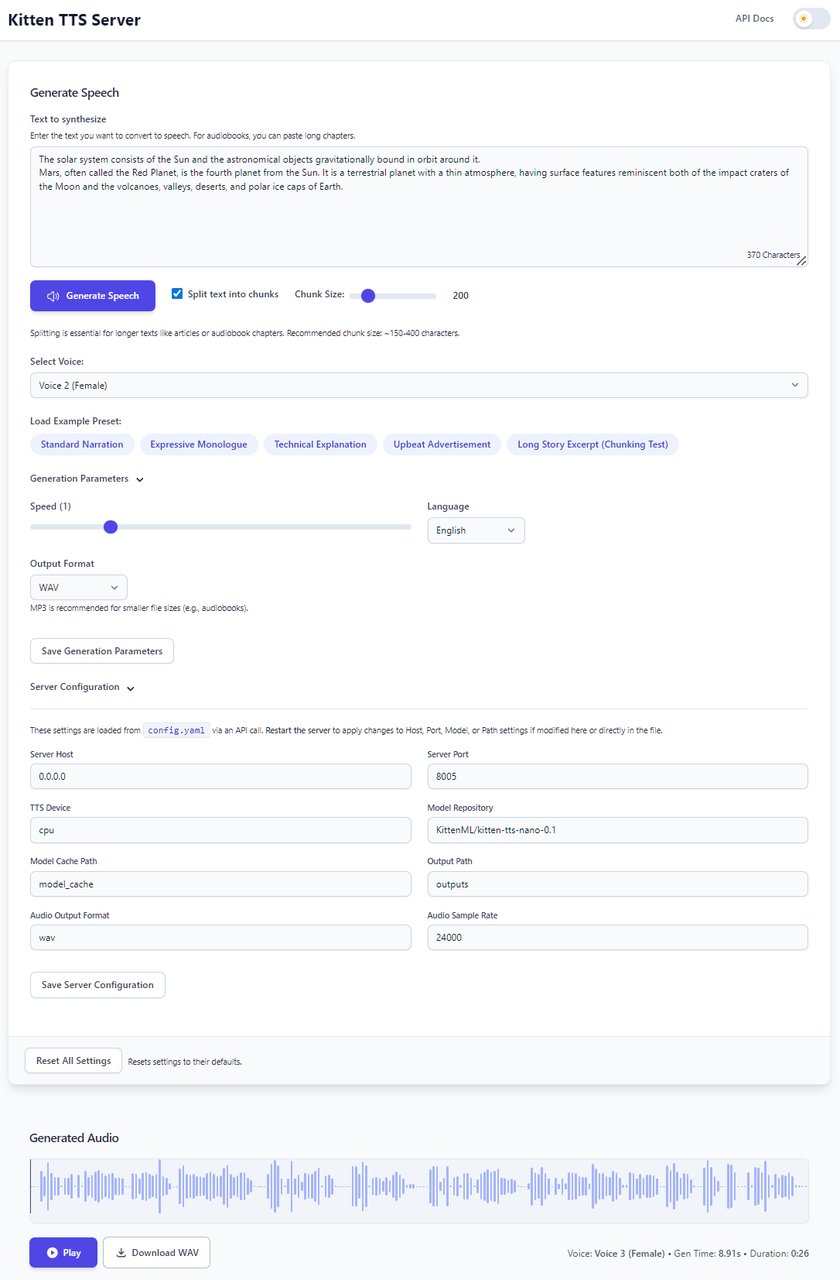
For a full server with a visual interface, the community-built Kitten-TTS-Server adds a Web UI with waveform visualization, GPU acceleration support, and an OpenAI-compatible API.
Related Content — Get Started with Easy Claude Code | Free Learning Guides | More AI News
Stay updated on AI news
Simple explanations of the latest AI developments