Maestro just hit 12K stars — AI tests apps in plain English
Maestro's MaestroGPT generates app tests from plain English descriptions. 12K GitHub stars, trusted by Microsoft and Uber. Free and cross-platform.
If you've ever built a mobile app, you know the painful part: testing it. Tapping every button, checking every screen, making sure nothing breaks on iPhone and Android and the web. Maestro just hit 12,400 GitHub stars — and it's trending today — because it lets an AI handle that entire process for you, in plain English.
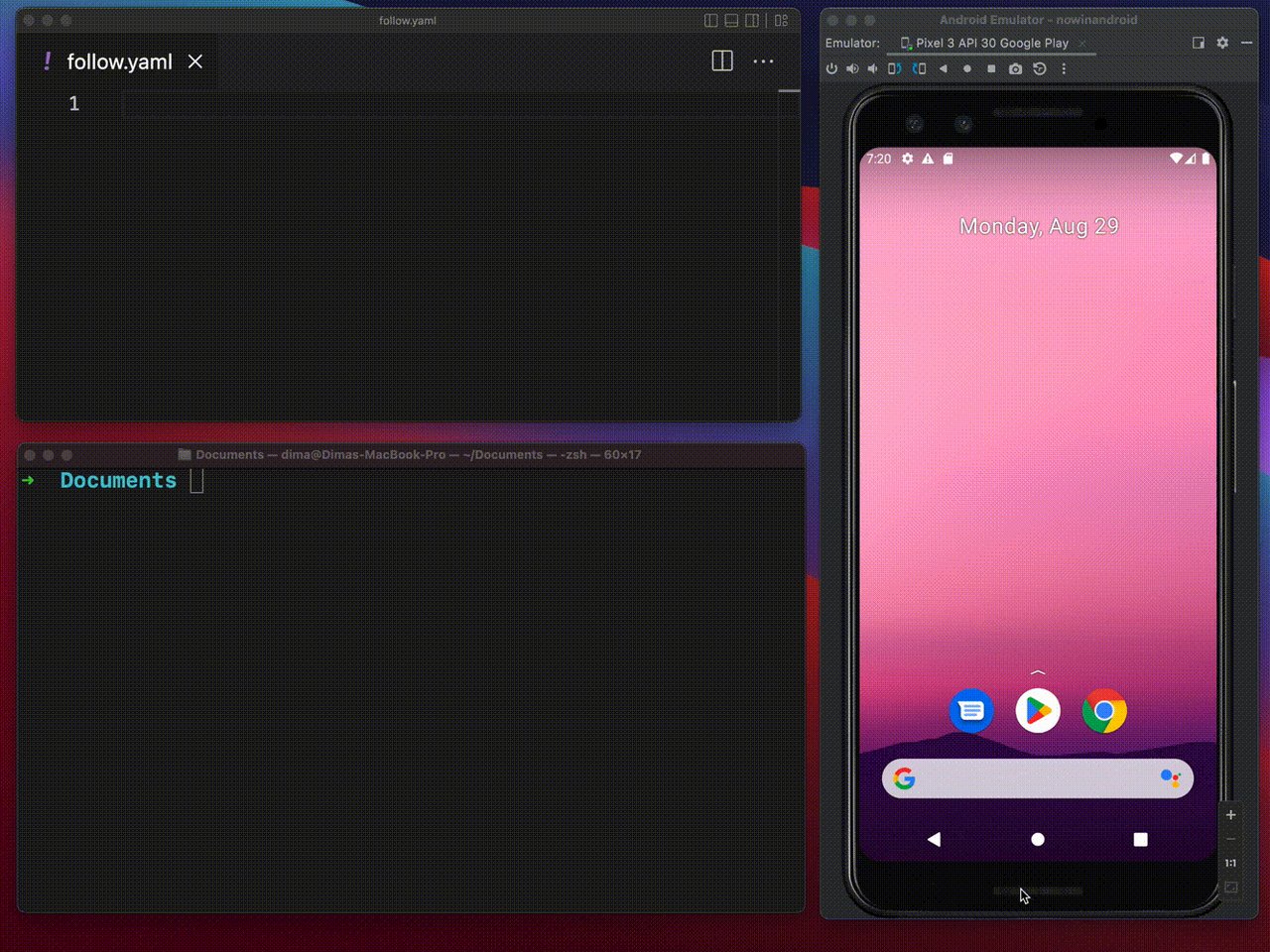
Describe the test, AI writes it
The standout feature is MaestroGPT — an AI assistant built directly into the Maestro CLI and its free desktop IDE (called Maestro Studio). Instead of writing test scripts, you describe what needs testing in everyday language. "Tap the login button, enter a username, verify the home screen appears." MaestroGPT translates that into working test commands instantly.
This isn't some vague promise. The AI can also suggest extra checks you might have missed — edge cases, validation steps, unusual user flows — things a human QA tester might overlook on a busy Friday afternoon.
No programming needed — just YAML
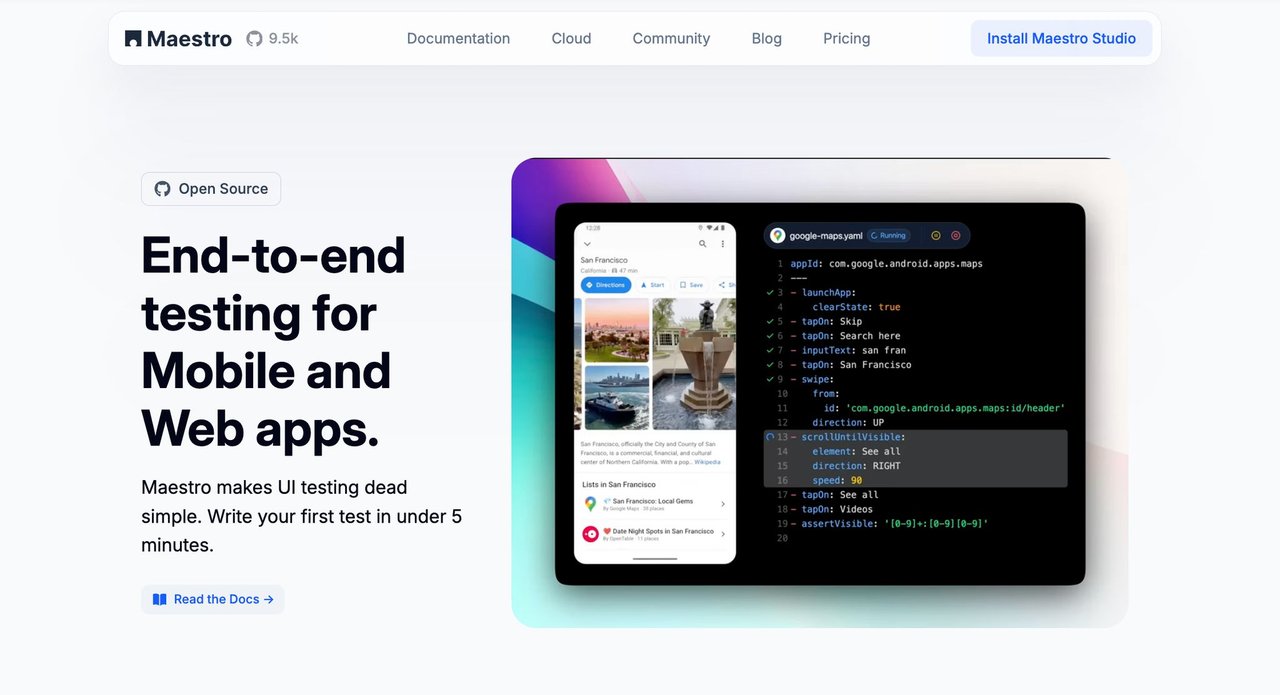
Maestro tests are written in YAML (a simple text format that reads like a to-do list). Here's what a real test looks like:
appId: com.android.contacts
---
- launchApp
- tapOn: "Create new contact"
- tapOn: "First Name"
- inputText: "John"
- tapOn: "Last Name"
- inputText: "Snow"
- tapOn: "Save"
That's it. No JavaScript. No Python. No complicated testing frameworks. If you can read a recipe, you can read a Maestro test. And with MaestroGPT, you don't even need to write this yourself — just tell the AI what to test.

One framework, every platform
Most testing frameworks make you choose: Android or iOS. Web or mobile. Maestro covers all of them — Android, iOS, React Native, Flutter, and web apps — with the same test syntax. Write once, run everywhere.
It also handles the biggest pain point in automated testing: flakiness. Maestro has built-in smart waiting — it automatically pauses for animations, loading screens, and slow network responses instead of randomly failing because a button took half a second longer to appear.
How it stacks up against the competition
Maestro vs. Cypress — Cypress only works on the web. Maestro works on web and mobile. Maestro has AI; Cypress doesn't.
Maestro vs. Playwright — Playwright requires real programming skills. Maestro uses simple YAML and AI. Playwright has no AI features.
Maestro vs. Selenium — Selenium requires deep technical expertise and complex setup. Maestro installs in one command and reads like English.
Try it in 60 seconds
Maestro is free to install and use locally. You'll need Java 17 or later, then run:
curl -fsSL "https://get.maestro.mobile.dev" | bashOnce installed, fire up the AI assistant with:
maestro chatThat opens MaestroGPT right in the terminal. Describe what to test, and it generates the YAML flow for you. You can also download Maestro Studio — the free desktop IDE — for a visual point-and-click experience with the AI built in.
Free locally, paid at scale
The CLI and Maestro Studio are completely free under the Apache 2.0 license. If you need to run hundreds of tests in parallel across real devices, Maestro Cloud starts at $125/month per browser and $250/month per mobile device — with up to 90% faster test runs compared to running them sequentially.
Why it's trending now
Maestro gained 468 stars in a single day and is trending on GitHub right now. The project recently released CLI v2.3.0 and introduced visual testing in v2.2.0 — the ability to detect visual differences (layout shifts, color changes, missing elements) between app versions automatically.
With 134 releases, 1,521 commits, and 703 forks, this isn't a weekend project. It's a mature, actively maintained framework backed by a company (Mobile.dev) with enterprise customers. For anyone building or maintaining apps — whether you're a solo developer, a startup, or an enterprise QA team — Maestro just removed the biggest excuse for not testing.
Related Content — Get Started with Easy Claude Code | Free Learning Guides | More AI News
Stay updated on AI news
Simple explanations of the latest AI developments