This AI turns plain text into professional diagrams — 23K stars
Next AI Draw.io lets anyone create AWS architecture diagrams, flowcharts, and system designs by typing what they want. 23K GitHub stars, 14 AI providers, free desktop app.
Imagine describing a system architecture in plain English — and watching a professional diagram appear in seconds. That's exactly what Next AI Draw.io does, and 23,000 developers have already starred it on GitHub.
The project combines the popular draw.io diagramming engine with AI chat. You type what you want — "show me a three-tier AWS architecture with a load balancer" — and the AI generates a fully editable diagram with proper icons, labels, and animated connectors.
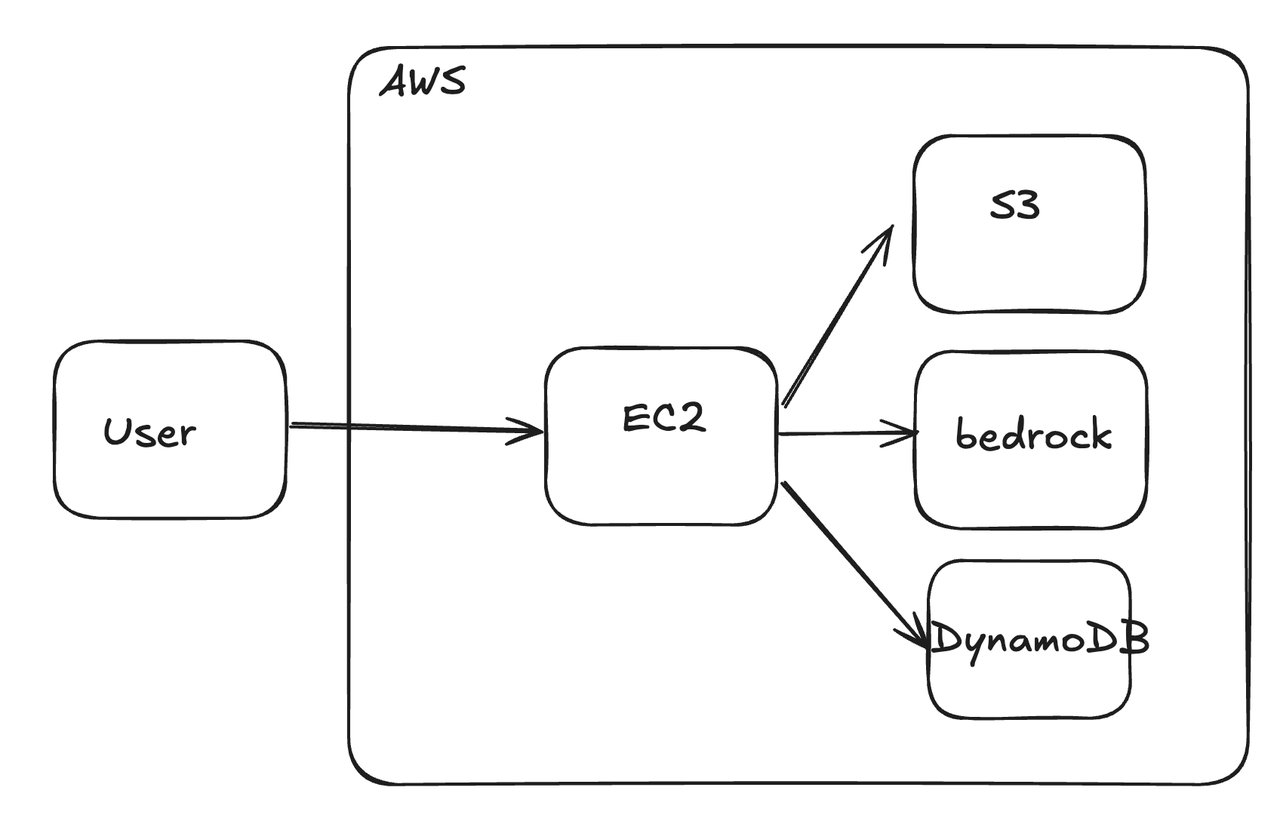
Describe it. See it. Edit it.
The core experience is a split screen: a chat panel on the left where you describe what you need, and a live diagram editor on the right. The AI streams its response in real-time, and the diagram updates as you watch.
What makes this different from other AI diagram tools is the draw.io integration. Every diagram it creates is a real draw.io file — you can drag nodes, resize boxes, change colors, and export to PNG, SVG, PDF, or XML. Nothing is locked in.
What you can create
- Cloud architecture — AWS, Google Cloud, and Azure diagrams with native provider icons
- Flowcharts — decision trees, process maps, user flows
- System designs — microservices, database schemas, API flows
- Animated diagrams — connectors that visually show data flow direction
- Freeform sketches — the AI even drew a cat in the demo
Works with 14 AI providers — or your own
Unlike tools locked to one AI company, Next AI Draw.io supports 14 different AI providers including OpenAI, Anthropic (Claude), Google Gemini, DeepSeek, and even local models through Ollama (a way to run AI on your own computer). You can also bring your own API key to the free demo site.
The recommended models for best diagram quality: Claude Sonnet 4.5 (especially good at cloud architecture), GPT-5.1, and Gemini 3 Pro.
Desktop app, Docker, or one-click cloud deploy
You have four ways to use it:
- Browser — visit the live demo and start immediately
- Desktop app — download for Windows, macOS, or Linux from the releases page
- Self-hosted — run it locally with three commands:
git clone https://github.com/DayuanJiang/next-ai-draw-io
cd next-ai-draw-io && npm install
npm run dev- One-click deploy — Vercel, Cloudflare Workers, or Tencent EdgeOne
Who is this for?
Product managers and designers will love this for quickly sketching system flows during meetings — just describe what you need instead of fighting with diagramming software.
Solutions architects can generate cloud architecture diagrams in seconds instead of spending 30 minutes arranging AWS icons manually.
Students and educators can visualize complex systems — algorithms, network topologies, database relationships — by simply explaining them.
Even if you've never used draw.io before, the chat interface means you never need to learn the tool. Just talk to it.
The numbers behind the momentum
The project has 23,500 GitHub stars, 2,500 forks, and 616 commits. It's built with Next.js 16 and React 19, and uses the Vercel AI SDK for streaming responses across all providers. The project is licensed under Apache 2.0 — fully open source.
It also ships an MCP server (a way for AI assistants like Claude Desktop or Cursor to generate diagrams directly), turning any AI coding environment into a diagramming tool.
Related Content — Get Started with Easy Claude Code | Free Learning Guides | More AI News
Stay updated on AI news
Simple explanations of the latest AI developments