Adobe Firefly just bundled 30 AI models into one platform
Adobe Firefly now includes 30+ AI models from Google, OpenAI, and Runway — plus lets you train a personal AI on your own art style in minutes.
Adobe just turned Firefly into an AI creative superstore. The platform now bundles over 30 AI models from different companies — including Google, OpenAI, Runway, and Kling — all accessible from a single workspace. And for the first time, you can train a personal AI model on your own images to replicate your unique style.
That means a designer can upload 10-30 examples of their illustration style, wait a few minutes, and then generate hundreds of new images that look like their work — not generic AI output. Adobe says it won't use your uploaded images to train its own models, and your custom models stay private unless you choose to share them.
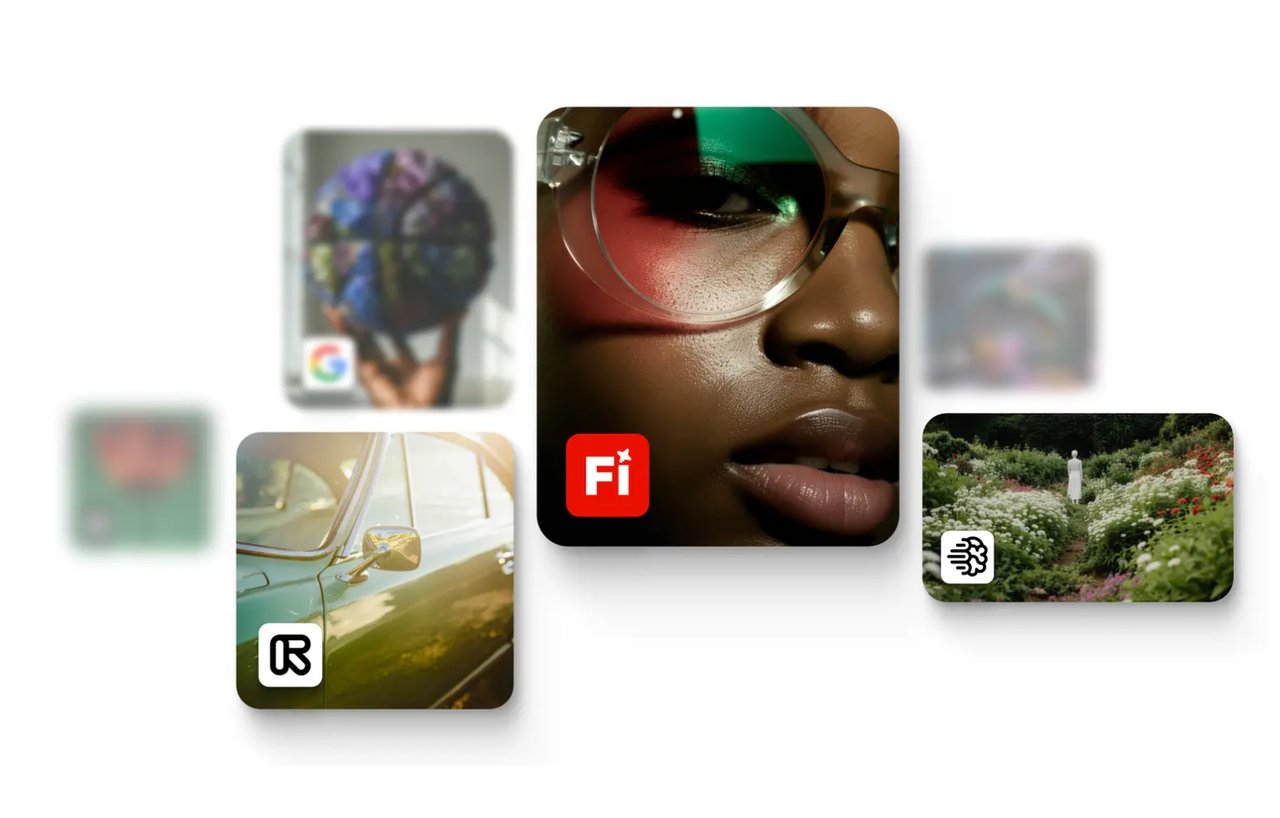
One platform, 30+ AI brains
Until now, if you wanted to generate an image with Google's AI, create a video with Runway, or use OpenAI's image generator, you needed separate accounts and tools. Firefly now puts all of them in one place.
The full model lineup includes:
Adobe's own: Firefly Image Model 5 (images), plus video and audio generators
Google: Nano Banana 2 (images), Veo 3.1 (video)
OpenAI: GPT Image (images)
Runway: Gen-4.5 (video)
Others: Kling 2.5 Turbo, FLUX, Luma AI, ElevenLabs (audio), Topaz (upscaling)
All models come with unlimited image and video generation on paid plans. Content Credentials (digital watermarks that show an image was AI-generated) are automatically attached for transparency.
Train AI on your own art — in minutes
The Custom Models feature, now in public beta for Creative Cloud subscribers, lets you teach Firefly your personal style. Here's how it works:
Step 1: Upload 10-30 images (JPEG or PNG, at least 1000 pixels wide)
Step 2: Choose a use case — illustration style, character design, or photographic look
Step 3: Firefly analyzes your images and trains a model (minutes to hours)
Step 4: Generate new images in your trained style using text prompts
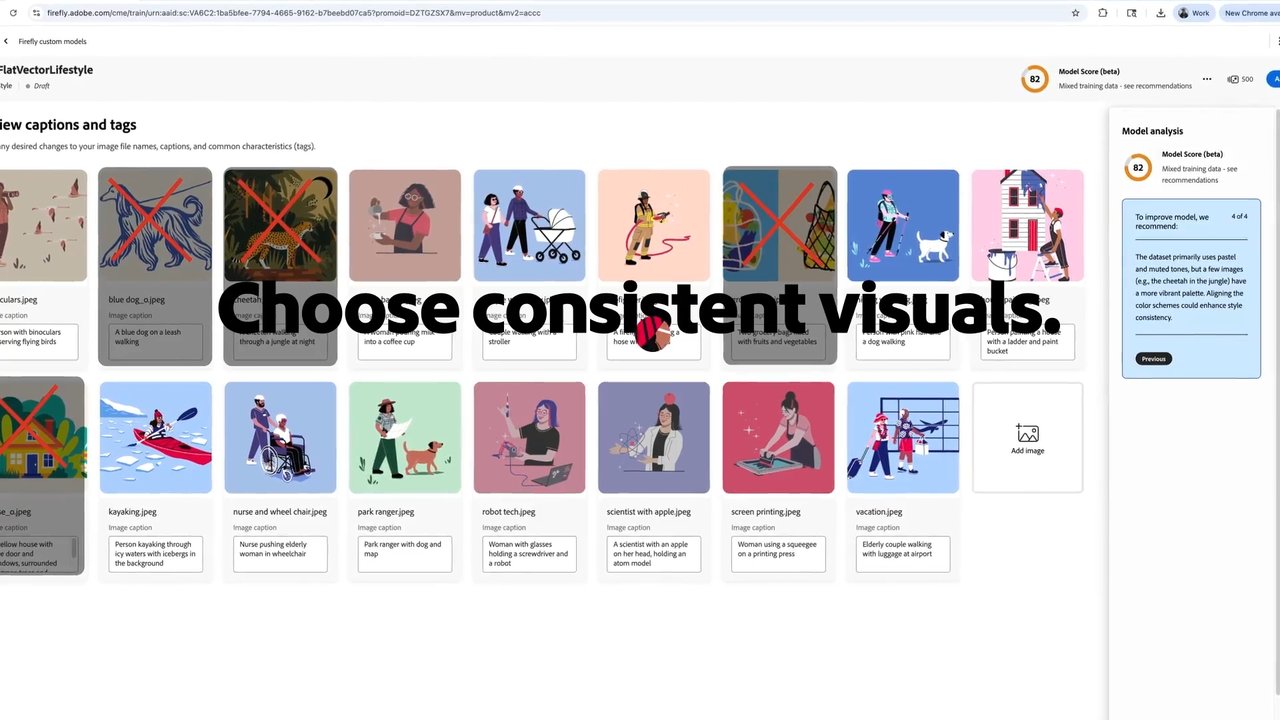
Adobe optimized the feature for three specific use cases: illustration styles (preserving line weight and color palettes), character design (keeping characters consistent across different scenes), and photographic looks (replicating lighting and mood across large image sets).
You can share trained models with teammates for generation-only access — they can use your style but can't modify or download the underlying model.
Privacy promise
Adobe explicitly states: "We don't train Firefly generative AI models on the content you upload to train your own custom model, and we'll never share your custom models." This matters because many competing services offer no such guarantee.
Project Moonlight: AI assistants inside Photoshop
Adobe also revealed Project Moonlight, currently in private beta. It places conversational AI assistants directly inside Photoshop, Adobe Express, and Acrobat. Instead of hunting through menus, you describe what you want in plain language — and the AI executes specific actions in the app.
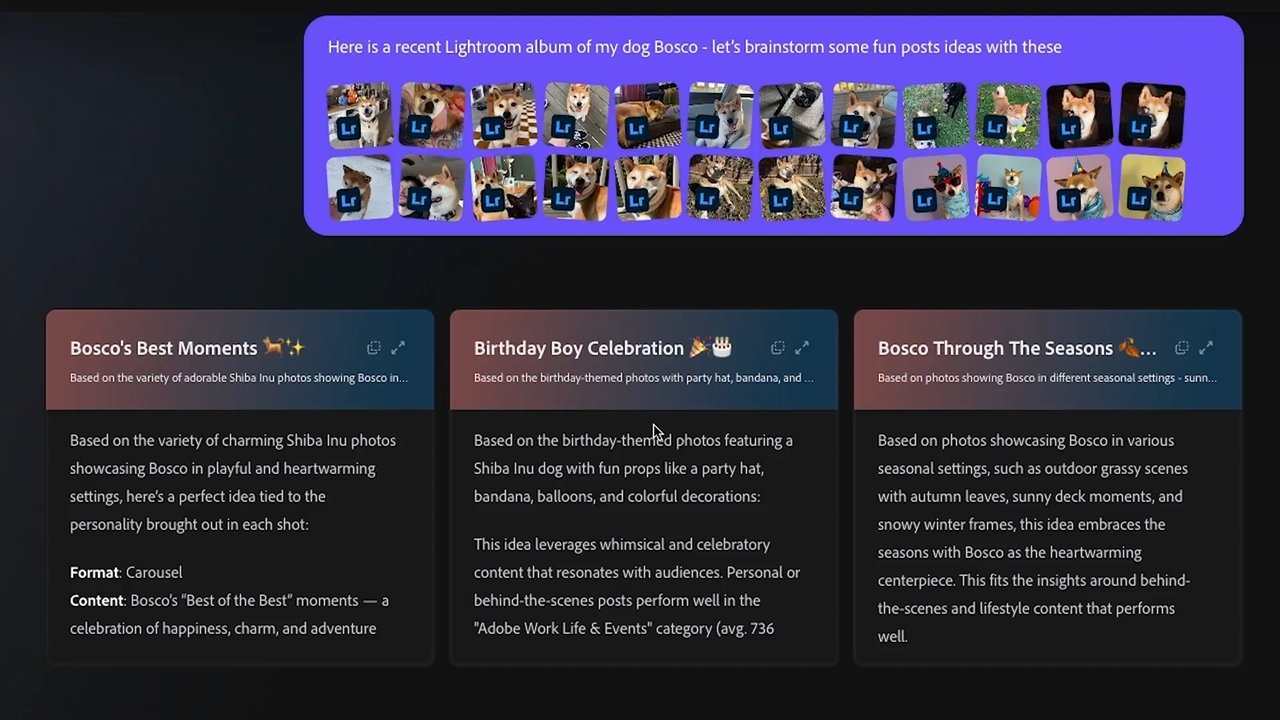
Think of it as having a skilled assistant inside Photoshop who understands both what you're asking and how the software works. "Remove the background and match the lighting to the other photos in this set" becomes a single conversation, not a 15-step manual process.
Who benefits most
Illustrators and character designers: Train AI on your portfolio and generate consistent style variations for client pitches — without starting from scratch every time.
Marketing teams: Create hundreds of on-brand campaign visuals from a single trained model. Upload your brand's photography style and generate new assets that match it perfectly.
Photographers: Replicate your signature lighting and mood across large batches of images — ideal for real estate, product photography, or social media content.
Anyone curious about AI art: Having 30+ models in one place means you can compare outputs side-by-side and find what works best — without juggling six different websites.
Pricing and availability
Custom Models uses your existing Creative Cloud generative credits — no separate subscription required. If you already pay for Photoshop or the Creative Cloud All Apps plan, you can start training models today through the Firefly web app.
The multi-model platform with unlimited generations is available now. Project Moonlight remains in private beta with a signup form for expanded access.
Adobe's move is significant because it's the first time a major creative platform has bundled competing AI models together under one roof. Instead of picking sides in the AI model wars, Adobe is letting users pick the best model for each specific task — a strategy that could make Firefly the default starting point for AI-powered creative work.
Related Content — Get Started with Easy Claude Code | Free Learning Guides | More AI News
Stay updated on AI news
Simple explanations of the latest AI developments