Microsoft just pulled Copilot from 4 Windows apps
After months of user complaints about AI bloat, Microsoft is removing Copilot from Notepad, Photos, Snipping Tool, and Widgets.
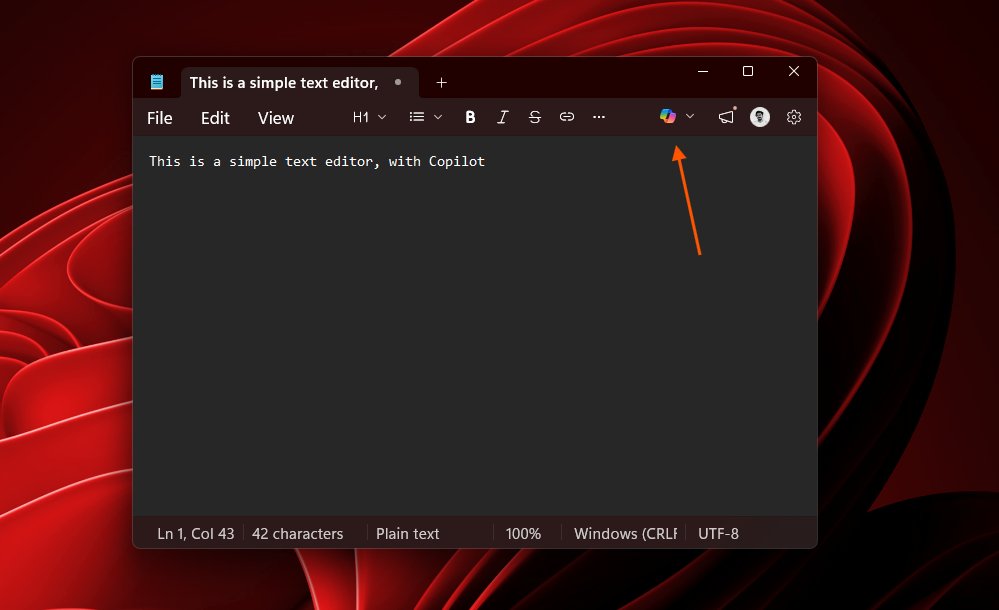
Microsoft just did something rare: it admitted that shoving AI into every corner of Windows was a mistake. Starting in April 2026, the company is pulling Copilot (its built-in AI assistant) out of Notepad, Photos, Snipping Tool, and Widgets — four core apps where users never asked for it.
The move comes after months of growing frustration from Windows 11 users who complained that Copilot buttons were appearing everywhere, slowing down their computers, and adding clutter to apps that worked perfectly fine without AI.
What's getting removed — and why users complained
Over the past year, Microsoft pushed Copilot buttons into apps where most people didn't want them:
Notepad — A simple text editor that's been unchanged for decades. Users opened it to jot quick notes, not to chat with AI.
Photos — An image viewer that gained AI editing features most people never touched, while basic tasks like browsing photos got slower.
Snipping Tool — A screenshot utility. Users just wanted to capture their screen, not have AI analyze it.
Widgets — Already unpopular, Widgets became more intrusive with AI-powered content recommendations that felt like ads.
Pavan Davuluri, head of Windows + Devices, acknowledged the problem directly: "You will see us be more intentional about how and where Copilot integrates across Windows, focusing on experiences that are genuinely useful and well-crafted."
782 comments on Hacker News — developers are celebrating
Microsoft's announcement landed on Hacker News and instantly drew 439 upvotes and 782 comments — one of the most-discussed tech stories of the week. The developer community's reaction was overwhelmingly positive, with many noting this was long overdue.
The broader context matters: Microsoft had previously scrapped even deeper planned integrations — Copilot buttons were being designed for Settings, File Explorer, and the notification system. Those were quietly shelved before they ever shipped.
Performance is the new priority
Alongside the AI cleanup, Microsoft announced a sweeping set of performance improvements for Windows 11:
Faster everything: Start menu, File Explorer, and Windows Search will all launch faster. Boot times and sleep-wake times are being reduced.
Lower memory usage: Microsoft is cutting the baseline RAM (memory) footprint of Windows 11, freeing up resources that background AI processes were consuming.
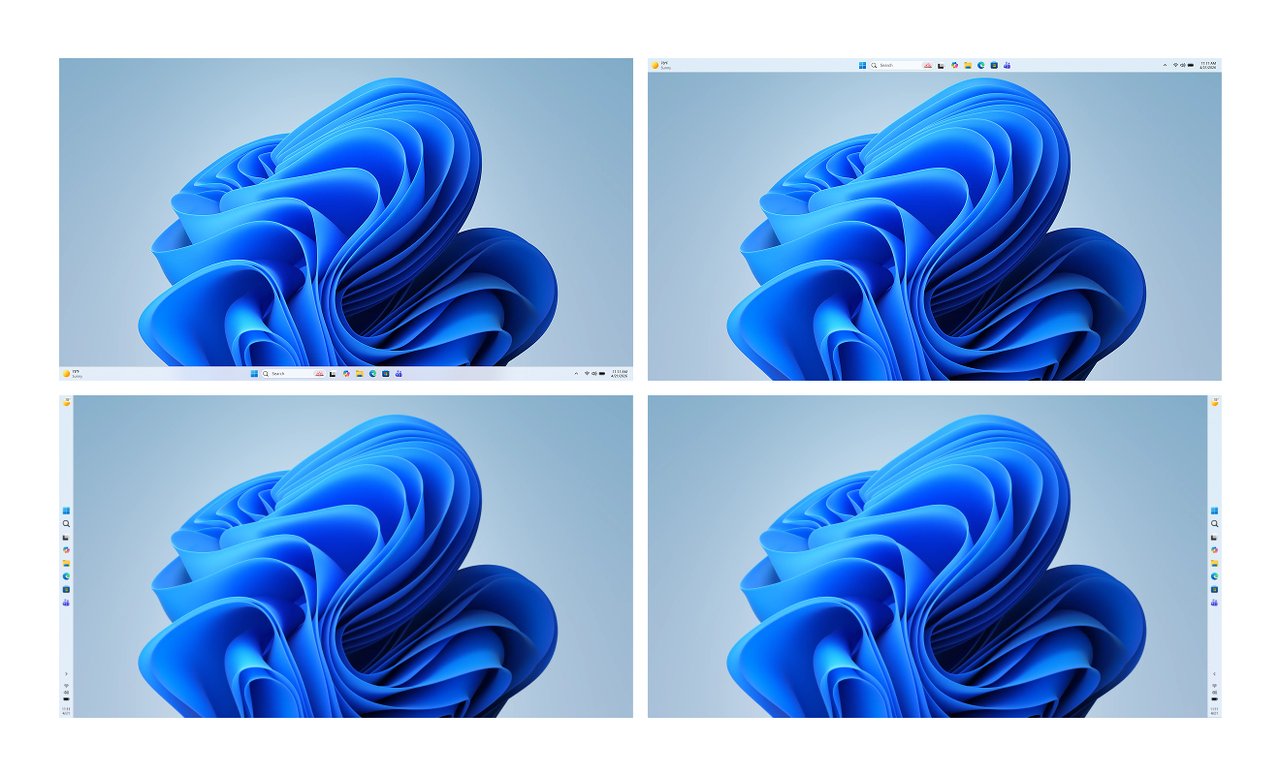
Taskbar freedom: Users can finally move the taskbar to the top, sides, or bottom of the screen — a feature that existed in Windows 10 but was removed in Windows 11.
Update control: Users can now skip updates during setup, pause them indefinitely, and shut down without forced installation.
A lesson for every company building AI features
Microsoft's Copilot rollback is a warning sign for the entire tech industry. The pattern of "add AI to everything" is hitting a wall. Users don't want AI in their screenshot tool. They don't want AI in their text editor. They want AI where it actually helps — and nothing more.
The changes start rolling out in Windows Insider builds (early-access test versions) this month, with broader availability through April and the rest of 2026.
If you're a Windows 11 user: The improvements should arrive automatically through Windows Update starting in April. No action needed — just expect a faster, less cluttered experience.
If you can't wait: The open-source tool RemoveWindowsAI on GitHub lets you strip Copilot and other AI features from Windows 11 right now.
Related Content — Get Started with Easy Claude Code | Free Learning Guides | More AI News
Stay updated on AI news
Simple explanations of the latest AI developments