Project Nomad just hit #1 on GitHub — AI that works offline
Project Nomad bundles AI chat, Wikipedia, maps, and a full school curriculum into one offline computer. It's free and just gained 2,000 GitHub stars in a single day.
Imagine a laptop that has Wikipedia, an AI assistant, offline maps, and an entire K-12 school curriculum — all working without a single bar of Wi-Fi. That's exactly what Project N.O.M.A.D. delivers, and it just became the #1 trending repository on GitHub with over 2,000 new stars in a single day.
N.O.M.A.D. stands for Node for Offline Media, Archives, and Data. It's a free, open-source system that turns any old PC or laptop into a fully self-contained knowledge server — no internet required after the initial setup.
Everything in one box — no cloud, no subscription
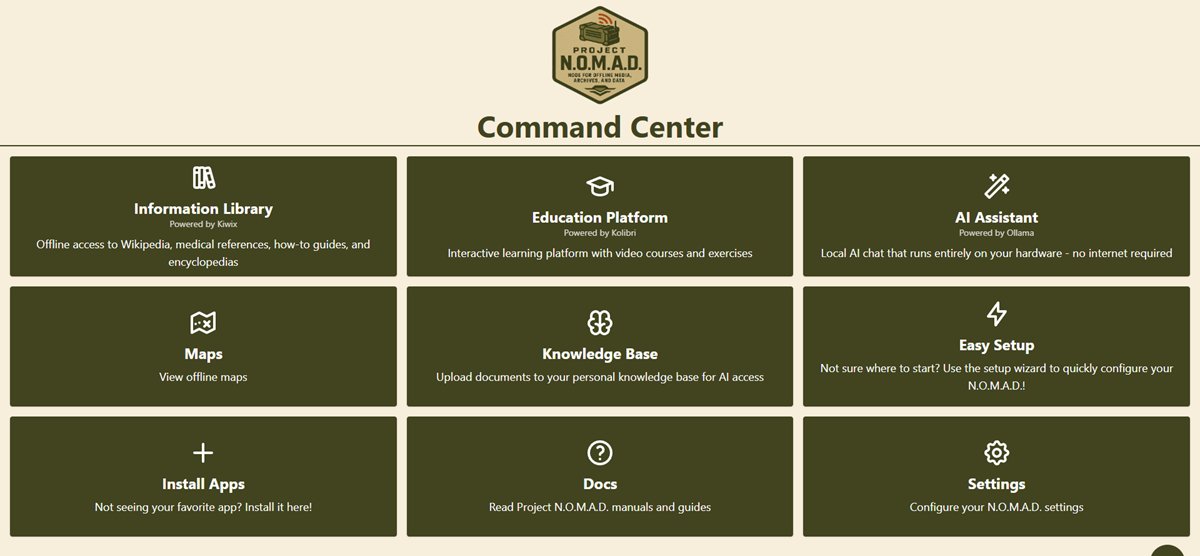
Project Nomad packs seven core tools into one package:
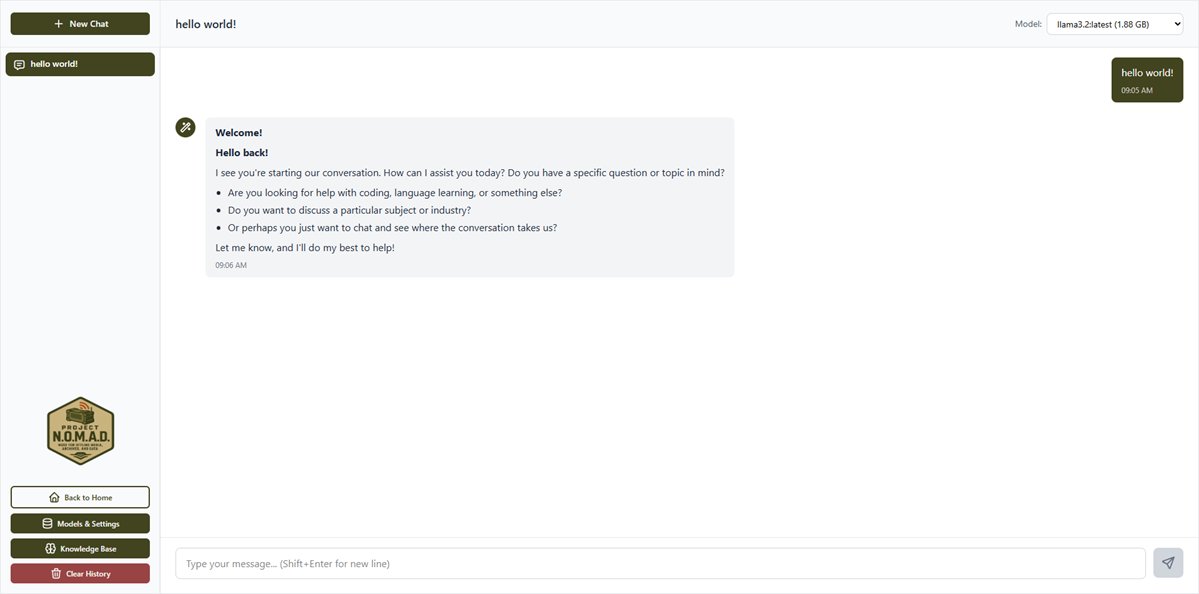
🤖 AI Chat — A local AI assistant powered by Ollama (a tool that runs language models on your own hardware). You can upload documents and ask questions about them — all without your data ever leaving your machine.
📚 Offline Wikipedia & Library — The full English Wikipedia, medical references, survival guides, and thousands of Project Gutenberg ebooks, served through Kiwix.
🎓 Full School Curriculum — Khan Academy courses with progress tracking for multiple users, powered by Kolibri. Complete K-12 education, offline.
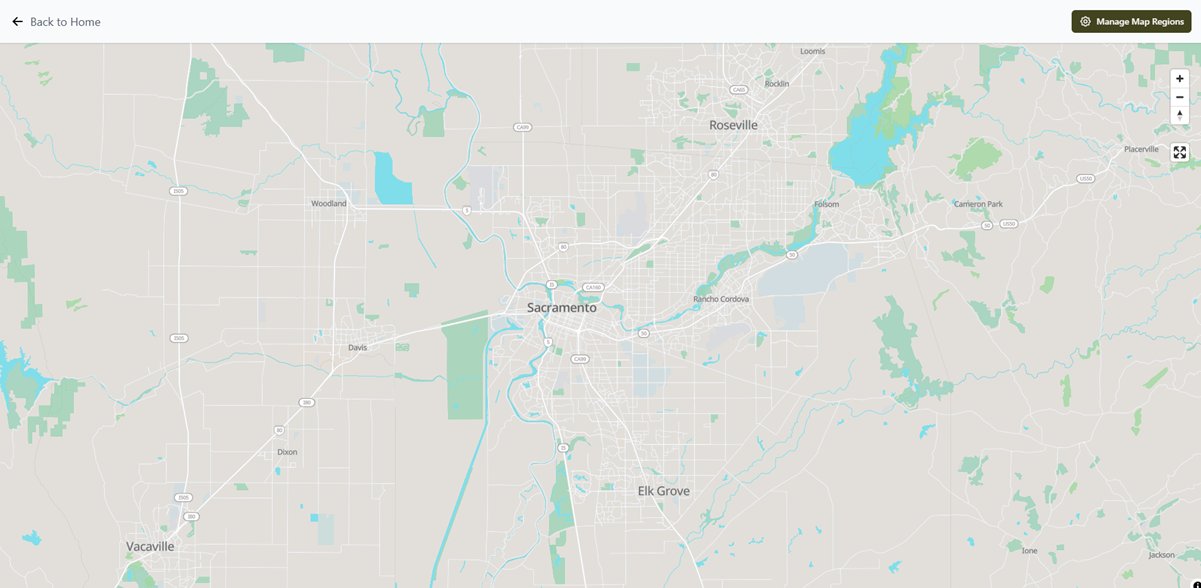
🗺️ Offline Maps — OpenStreetMap data with search and navigation, via ProtoMaps. Download your region once, use it forever.
🔐 Data Tools — CyberChef for encryption, encoding, and data analysis. Plus markdown note-taking and hardware benchmarks.
The free alternative to $699 survival computers
Here's what makes this project stand out: it replaces commercial offline knowledge products that charge $199 to $699.
Products like PrepperDisk ($199–$279), Doom Box ($699), and R.E.A.D.I. ($499) sell pre-loaded USB drives or devices with offline survival content. Project Nomad does everything they do — and adds a local AI assistant and a full education platform — for free.
The trade-off? You need your own hardware. But the minimum specs are modest: a dual-core processor, 4 GB of RAM, and 5 GB of storage gets you started. For the AI features with GPU acceleration, the project recommends a Ryzen 7 or Core i7 with 32 GB of RAM and an NVIDIA GPU.
Who is this actually for?
If you live in a rural area, travel in an RV, or want emergency preparedness — this was built for you. The project's website lists four target audiences:
Emergency prep: Medical references and survival guides when cell towers go down.
Off-grid living: A complete knowledge base for cabins, boats, and remote locations.
Education: Parents homeschooling in areas with poor internet can run a full K-12 curriculum.
Privacy-focused users: People who want AI without sending a single byte of data to the cloud.
One command to install
Project Nomad runs on any Debian-based Linux system (Ubuntu recommended). Installation is a single command:
sudo apt-get update && sudo apt-get install -y curl
curl -fsSL https://raw.githubusercontent.com/Crosstalk-Solutions/project-nomad/main/install/install_nomad.sh -o install_nomad.sh
sudo bash install_nomad.sh
After installation, open http://localhost:8080 in any browser. A setup wizard walks you through downloading the content packs you want — Wikipedia, maps for your region, Khan Academy courses, and AI models.
Active development and a growing community
The project hit version 1.30.1 on March 20, 2026, with recent additions including a dark mode theme ('Night Ops'), security patches, and a fully self-contained Docker installation. The developers maintain an active community on GitHub Discussions and Discord.
With 5,300+ GitHub stars and 2,000+ gained in a single day, Project Nomad has clearly struck a nerve. In a world where every AI tool requires a cloud subscription and an internet connection, a system that puts knowledge and AI entirely in your hands feels almost radical.
Related Content — Get Started with Easy Claude Code | Free Learning Guides | More AI News
Stay updated on AI news
Simple explanations of the latest AI developments