One developer just built a Google Docs rival — in 10 months
Revise is a free AI word processor built from scratch by a solo developer. It combines GPT-5, Claude, and Grok inside one editor — no more copy-pasting between ChatGPT and your documents.
If you've ever written something in ChatGPT, then copied it into Google Docs, then pasted it back into ChatGPT for edits, then copied it back again — you already understand the problem Revise is trying to solve.
Developer Artur Sapek just launched a full word processor with AI built directly into the editing experience. No switching tabs. No copy-pasting. The AI lives inside your document and edits it right there.
He built the entire thing from scratch — the text engine, the rendering layer, everything — in 10 months, with 7 of those months as full-time work funded by personal savings.
What makes Revise different from Google Docs
Google Docs recently added Gemini. Microsoft Word has Copilot. But Sapek argues both are bolt-on additions — AI features layered on top of editors that weren't designed for them.
Revise was built AI-first. The editor and the AI share the same workspace. When the AI suggests a change, you see a visual diff (a highlighted comparison showing exactly what was added, removed, or rewritten) — the same way programmers review code changes.
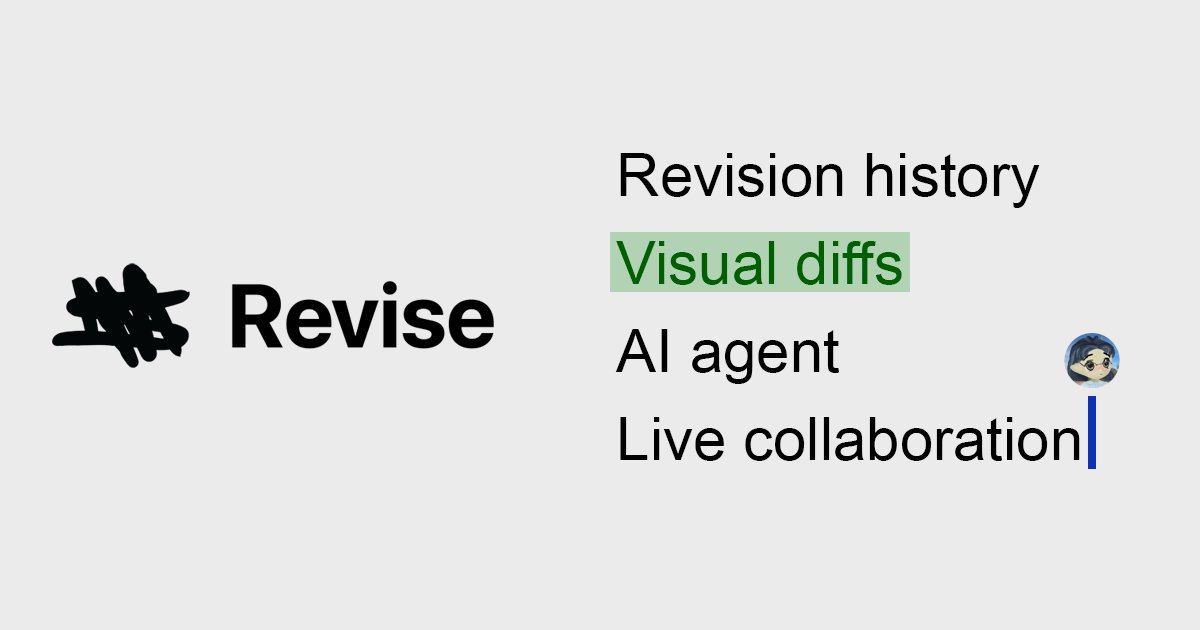
- AI agent inside the editor — writes, rewrites, and proofreads paragraphs without leaving the page
- Visual diffs — see exactly what the AI changed, highlighted in green and red
- Revision history — go back to any previous version of your document
- Real-time collaboration — invite others and edit together, like Google Docs
- Choose your AI — switch between GPT-5, Claude, and Grok depending on what you need
- Free spelling and grammar check — runs automatically as you type, powered by AI
Built from zero — not a wrapper
Most AI writing tools are thin wrappers around ChatGPT's API (meaning they just send your text to OpenAI's servers and show you the result). Revise is fundamentally different.
Sapek built his own word processing engine and rendering layer. The only third-party library he used is Y.js, an open-source tool that handles real-time collaboration (the technology that lets multiple people edit the same document simultaneously).
The result is a canvas-based editor (meaning it draws text directly on screen, pixel by pixel, rather than using standard web text) that supports:
- Code blocks with syntax highlighting
- LaTeX equations (the math notation system used in academic papers)
- Mermaid diagrams (a way to create flowcharts and charts from plain text)
- Word document import and export (.docx and PDF)
The Hacker News reaction
Revise launched on Hacker News and earned 44 points and 32 comments — solid engagement for a Show HN post from a solo developer.
Commenters praised the craftsmanship. Building a word processor from scratch is notoriously difficult — Google Docs has hundreds of engineers, and Microsoft Word has been in development for over 40 years.
The main concern? Pricing. Some users pushed back on the subscription model, asking for a one-time purchase or local AI option instead. Sapek said he's open to alternative models but wants to avoid ads.
Who this is actually for
Students and writers who currently bounce between ChatGPT and Google Docs will feel the biggest difference. Instead of the copy-paste dance, you highlight text, ask the AI to improve it, and see the changes right there — with the option to accept or reject each one.
Professionals who need document version control will appreciate the visual diff system. Every AI edit creates a trackable revision, so you always know what changed and when.
Try it yourself
Revise is free to try — no account required to start editing. Visit revise.io and click "Launch Editor" to open a blank document. A Chrome extension is also available for quick access.
A premium subscription unlocks unlimited AI usage and advanced features, though specific pricing tiers aren't publicly listed on the landing page — you'll see them after signing up.
| Feature | Revise | Google Docs | MS Word |
|---|---|---|---|
| Built-in AI agent | Yes (3 models) | Gemini only | Copilot only |
| Visual change tracking | Yes | Basic | Basic |
| Real-time collaboration | Yes | Yes | Yes |
| LaTeX and diagrams | Yes | No | Limited |
| Free tier | Yes | Yes | Paid |
Related Content — Get Started with Easy Claude Code | Free Learning Guides | More AI News
Stay updated on AI news
Simple explanations of the latest AI developments