Hypura actually runs a 70B AI model on a 32GB Mac — where others crash
Hypura splits AI model weights across GPU, RAM, and SSD to run models too big for your Mac's memory. A 70B model runs on 32GB. Ollama-compatible and free.
If you've ever tried running a large AI model locally and watched your Mac freeze, Hypura was built for you. It's a new open-source tool that lets Apple Silicon Macs run AI models that are literally too big to fit in memory — by intelligently spreading model data across your GPU, RAM, and SSD.
The result: a 70-billion-parameter model runs on a Mac with just 32GB of RAM, where tools like llama.cpp would simply crash with an out-of-memory error.
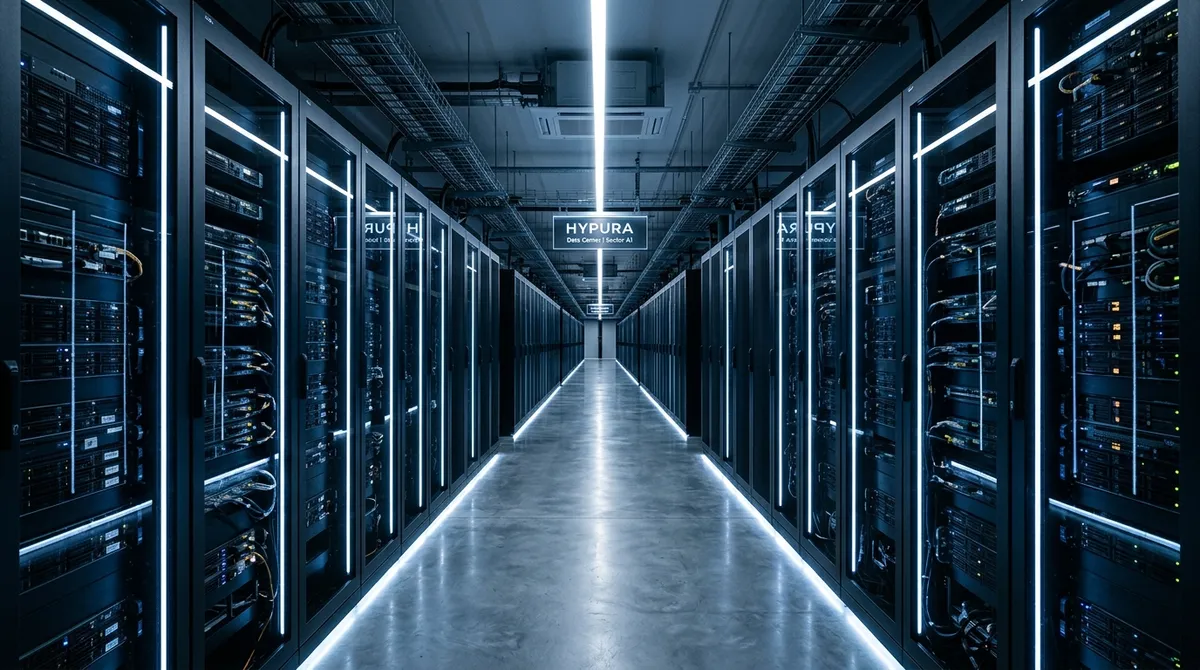
Three Layers of Memory, One Seamless Experience
Most AI tools try to load the entire model into your GPU's memory at once. If the model is bigger than what your GPU can hold, you're stuck. Hypura takes a completely different approach — it treats your Mac's storage like a three-tier pyramid:
Tier 1: GPU (Metal) — The fast lane. Critical layers like attention (the part of AI that decides what to focus on) stay here permanently.
Tier 2: RAM — The middle lane. Overflow layers that don't fit on the GPU get stored here and accessed via memory mapping.
Tier 3: NVMe SSD — The slow lane. Bulk model data lives on your Mac's internal drive and gets streamed in on demand.
The clever part: Hypura predicts which data it'll need next and pre-loads it before the AI asks for it. For models that use a "Mixture of Experts" design (where only a fraction of the model activates for each response), Hypura skips loading the unused parts entirely — cutting storage reads by up to 75% and achieving a 99.5% cache hit rate.
Real-World Benchmarks on a Mac M1 Max (32GB)
Here's what Hypura actually delivers compared to llama.cpp, the most popular local AI runner:
Qwen 2.5 14B (8.4 GB) — 21 tokens/sec on Hypura, 21 tokens/sec on llama.cpp. Identical speed when the model fits in memory.
Mixtral 8x7B (30.9 GB) — 2.2 tokens/sec on Hypura vs. crash on llama.cpp. The model barely fits, and Hypura handles it.
Llama 3.3 70B (39.6 GB) — 0.3 tokens/sec on Hypura vs. crash on llama.cpp. Slow, but it actually runs.
To put those numbers in context: 2.2 tokens per second means you'd wait about 2-3 seconds for a short sentence. Not fast enough for real-time chat, but perfectly fine for batch processing, research, and testing large models before deciding whether to pay for cloud access.
Who Should Try This
If you're a Mac user who runs AI models locally — especially if you've been frustrated by model size limits — Hypura is worth trying. It's Ollama-compatible, meaning you can swap it in as your AI server without changing your workflow. It runs at the same address (127.0.0.1:8080) and supports the same chat and generate endpoints.
If you want to test a 70B model without renting a cloud GPU, this is currently the only way to do it on a 32GB Mac.
Get Started
Hypura requires Rust 1.75+ and CMake. Install it from GitHub:
git clone --recurse-submodules https://github.com/t8/hypura.git
cd hypura && cargo build --release
Then point it at any GGUF model file and it handles the rest — no manual configuration for memory pools or prefetch depth.
What Hypura Won't Do
This isn't a magic speed booster. Models that fit in your GPU memory won't run any faster — Hypura matches llama.cpp exactly in that scenario. And for the oversized models, you're trading speed for the ability to run them at all. The 70B model at 0.3 tokens/sec is more of a proof-of-concept than a daily driver.
But for AI enthusiasts, researchers, and developers on Mac who want to push past the memory wall without spending money on cloud GPUs, Hypura opens a door that was previously locked.
The project is open source under MIT license, and the author notes it was built with LLM assistance — a fitting origin for a tool that helps you run LLMs.
Related Content — Get Started with Easy Claude Code | Free Learning Guides | More AI News
Stay updated on AI news
Simple explanations of the latest AI developments