Ollama just turned VS Code into a free local AI coding agent
Ollama v0.18.3 adds native VS Code agent mode — run commands, edit files, and iterate on code using free local AI models. No API keys, no cloud, no cost.
Ollama v0.18.3 just shipped with a feature that turns VS Code into a fully autonomous AI coding agent — using models running entirely on your own computer. One command, no API keys, no monthly fees, no data leaving your machine.
Type ollama launch vscode in your terminal, and your local AI model (an artificial intelligence program running on your computer instead of the cloud) plugs directly into VS Code's Copilot Chat. From there, it can run terminal commands, edit your files, and fix its own mistakes — just like paid services from GitHub, Cursor, or Anthropic.
What Agent Mode Actually Does
"Agent mode" means the AI doesn't just suggest code — it takes action. Think of it as the difference between a GPS showing you directions and a self-driving car that actually turns the wheel.
With Ollama's VS Code agent mode, you can ask things like:
🔧 "Run the tests and fix any failures" — it runs your test suite, reads the errors, and edits the code to fix them
📝 "Generate unit tests for this file" — it analyzes your code and creates tests automatically
📄 "Update the README with the new API changes" — it reads your code changes and writes documentation
The key difference from cloud-based coding agents: everything stays local. Your proprietary code never hits an external server. For freelancers working under NDAs, teams handling sensitive codebases, or anyone who just wants privacy — this is the feature they've been waiting for.
Set It Up in 3 Minutes
The setup is surprisingly simple — even if you've never used a command line before:
# Step 1: Install or update Ollama
curl -fsSL https://ollama.com/install.sh | sh

# Step 2: Pull a model that supports agent mode
ollama pull qwen3

# Step 3: Launch VS Code with the model
ollama launch vscode
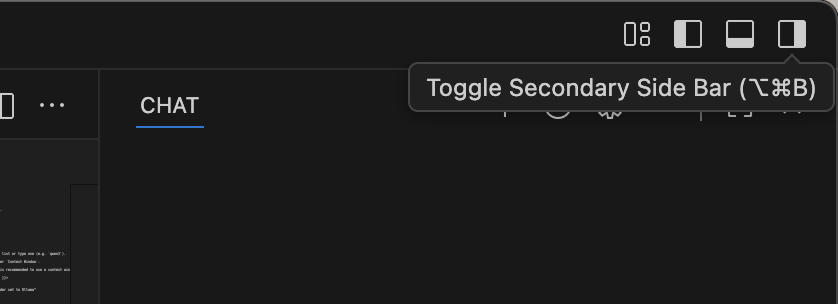
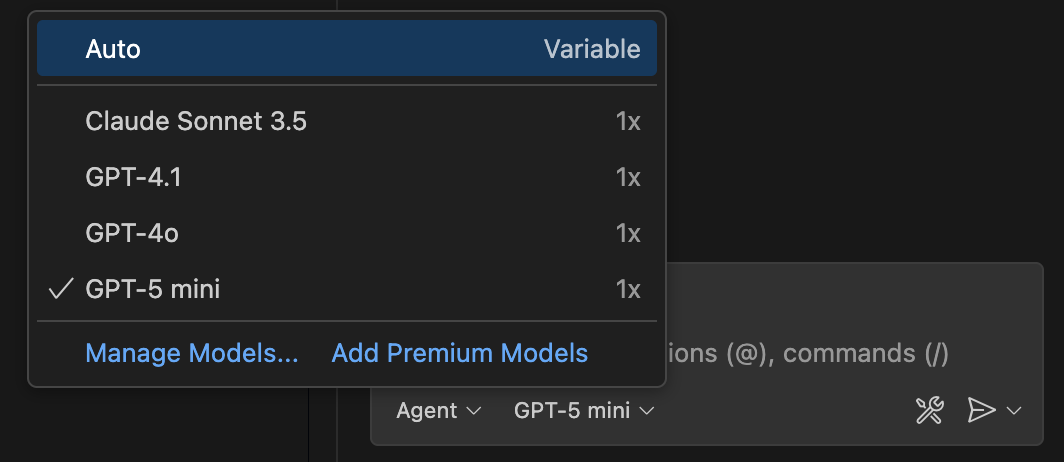
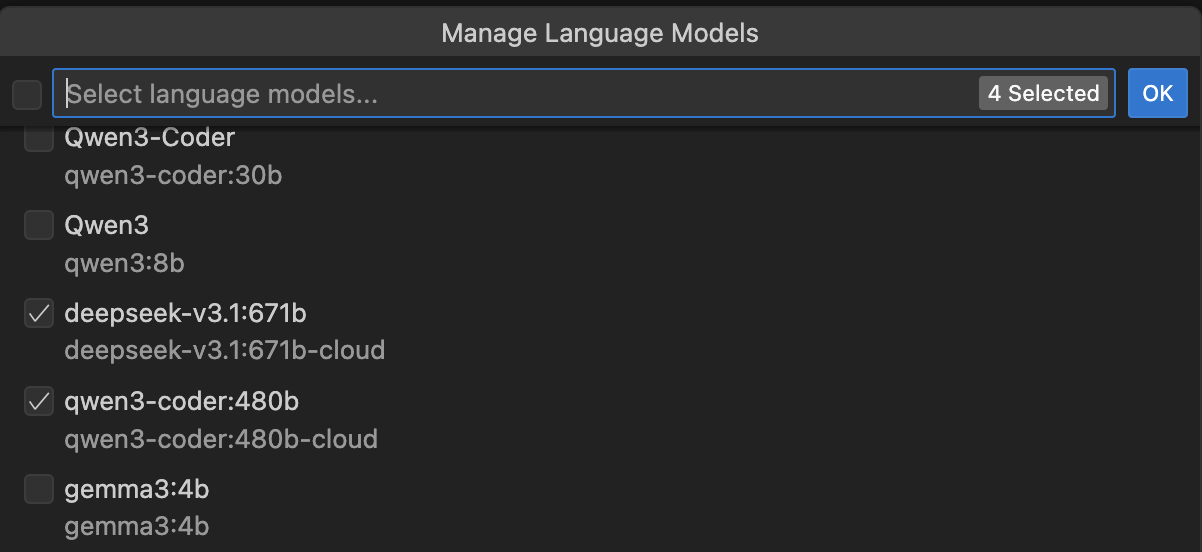
Once launched, VS Code opens with the Copilot Chat sidebar ready. Click the model picker in the chat input, select "Other models", and you'll see your Ollama models listed alongside cloud options.
Which Models Work Best
Not every model supports agent mode — it requires "tool calling" (the ability for AI to use external tools like your terminal). Here are models confirmed to work, sorted by how much computer memory (RAM) you need:
Light (8GB RAM): Phi-4, DeepSeek Coder 1.3B — good for simple tasks
Medium (16GB RAM): Qwen3, CodeLlama 7B — solid all-around coding
Heavy (24GB+ RAM): CodeLlama 34B, DeepSeek Coder 33B — near cloud-quality results
For most people with a modern laptop (16GB RAM or more), Qwen3 offers the best balance of speed and quality. If you have an older machine with 8GB, Phi-4 still handles basic coding tasks surprisingly well.
How This Changes the Game
Until now, getting an AI coding agent meant one of these:
- GitHub Copilot: $10-39/month
- Cursor Pro: $20/month
- Claude Code: Pay-per-use via API
Ollama's agent mode costs exactly $0. The trade-off? Local models aren't as capable as GPT-4o or Claude Opus — think of it as having a competent junior developer vs. a senior architect. But for everyday tasks like writing tests, fixing simple bugs, and generating boilerplate code, the gap is smaller than you'd expect.
The v0.18.3 release also includes improvements to GLM parser (better at understanding when tools should be called) and OpenClaw integration (connecting messaging apps to local AI). Ollama has been on a shipping streak — VS Code support follows January's ollama launch command that added one-command setup for Claude Code, Codex, and OpenCode.
The Privacy Argument That Sells Itself
Here's the pitch that makes IT departments pay attention: with Ollama, zero lines of your code touch an external server. Every model runs locally, every prompt stays on your machine, every output is generated in your own memory.
For companies in healthcare, finance, government, or defense — where data classification rules make cloud AI tools a compliance nightmare — local agent mode isn't just convenient. It's the only legal option.
Related Content — Get Started with Easy Claude Code | Free Learning Guides | More AI News
Sources
Stay updated on AI news
Simple explanations of the latest AI developments