This free app turns any PC into a survival computer with AI
Project Nomad packs offline Wikipedia, AI chat, maps, and Khan Academy into one free install. No internet needed after setup — 16K GitHub stars and growing.
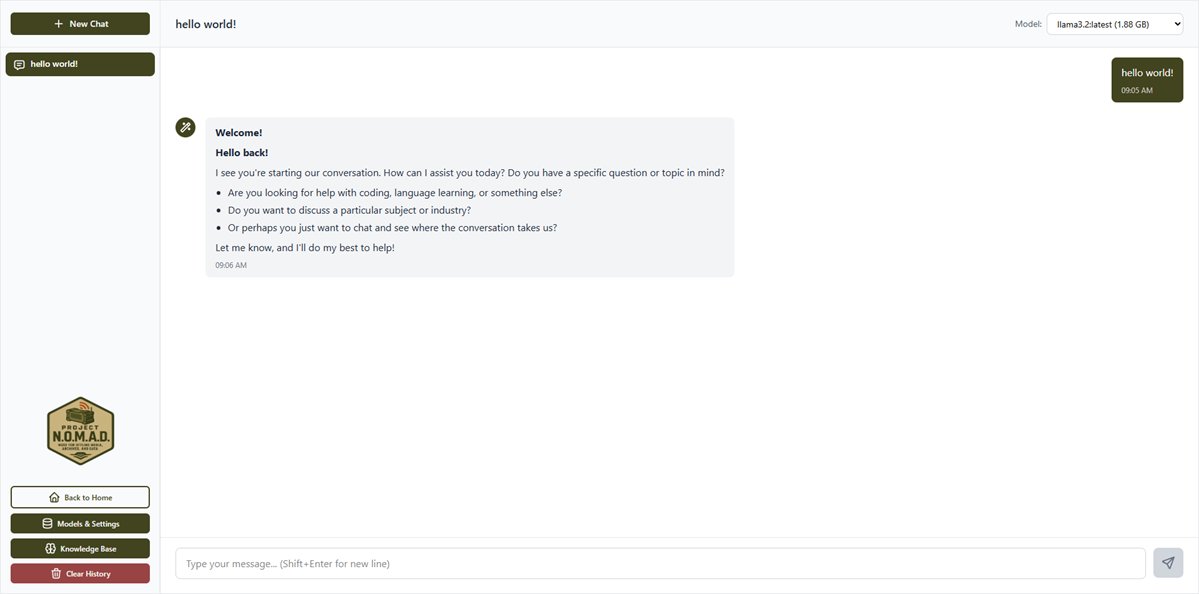
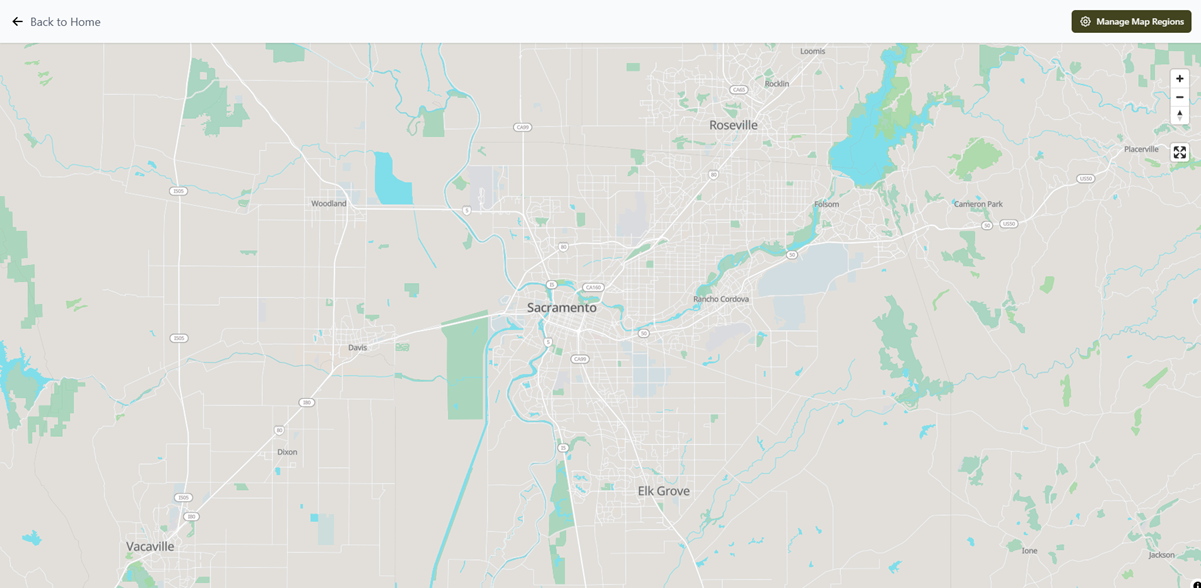
What if you could carry all of Wikipedia, an AI assistant, offline maps, and a full education platform — on a single computer that works without internet? That's exactly what Project N.O.M.A.D. does, and it's completely free.
Project Nomad (Node for Offline Media, Archives, and Data) is an open-source server you install on any PC. After the initial download, it runs entirely offline — no Wi-Fi, no cell service, no cloud subscriptions. It's hit 16,400 GitHub stars and is currently trending as one of the most popular projects on the platform.
Everything Packed Into One Install
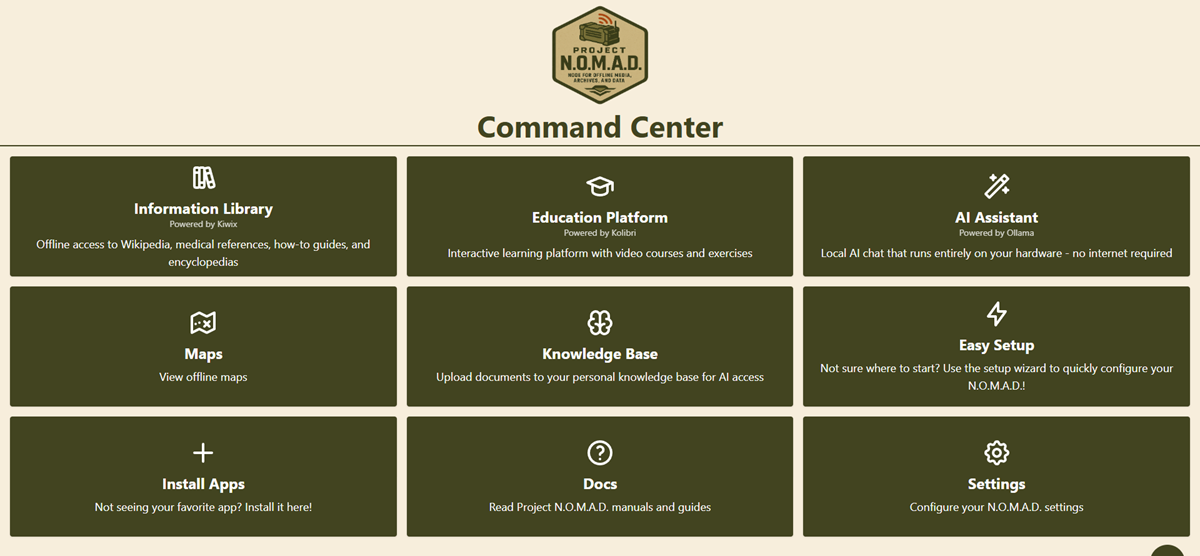
Project Nomad bundles five major tools into a single system that any family member can use through a web browser on the same network:
Who Actually Needs This?
More people than you'd think:
- Emergency preparedness — when internet and cell towers go down, you still have maps, medical guides, and an AI to help troubleshoot problems
- Off-grid living — cabins, RVs, sailboats, or anywhere without reliable internet
- Families and homeschoolers — a full Khan Academy + Wikipedia library for kids, with no ads or distractions
- Privacy-conscious users — zero telemetry, zero data collection, everything stays on your machine
How It Stacks Up Against Paid Alternatives
The emergency preparedness space has several commercial options, but they're expensive and limited:
- PrepperDisk: $199-$279, locked to Raspberry Pi hardware
- Doom Box: $699, limited software
- R.E.A.D.I.: $499, no AI capabilities
Project Nomad is free, runs on any PC hardware, and includes GPU-accelerated AI that none of the paid alternatives offer.
Set It Up in Minutes
You'll need a PC running Ubuntu or Debian Linux (an old laptop works fine). For the AI features, 32 GB of RAM and a GPU are recommended — but the maps, Wikipedia, and education tools work on much smaller machines (4 GB RAM minimum).
Installation is two commands:
curl -fsSL https://raw.githubusercontent.com/Crosstalk-Solutions/project-nomad/main/install/install_nomad.sh -o install_nomad.sh
sudo bash install_nomad.sh
After install, open http://localhost:8080 in any browser. A setup wizard walks you through choosing which content to download — Wikipedia, maps for your region, Khan Academy courses, and which AI model to use.
Once downloaded, unplug from the internet and everything still works. Other devices on your local network (phones, tablets) can access it too.
Related Content — Get Started with Easy Claude Code | Free Learning Guides | More AI News
Sources
Stay updated on AI news
Simple explanations of the latest AI developments