This $8 sensor sees your body through walls using WiFi
RuView uses ordinary WiFi signals to detect people, track movement, and monitor heart rate through walls — no cameras needed. 42K GitHub stars. Open source and free.
A project that just hit 42,000 GitHub stars can detect your body, track your movements, and even measure your heart rate — using nothing but WiFi signals and an $8 sensor chip. No cameras. No wearables. It works through walls.
RuView is an open-source system that turns ordinary WiFi signals into a human sensing network. When WiFi waves pass through a room, they bounce off human bodies and scatter. RuView's sensors capture those scattered signals and reconstruct what's happening — including body position, breathing rate, and whether someone is standing, sitting, or has fallen.
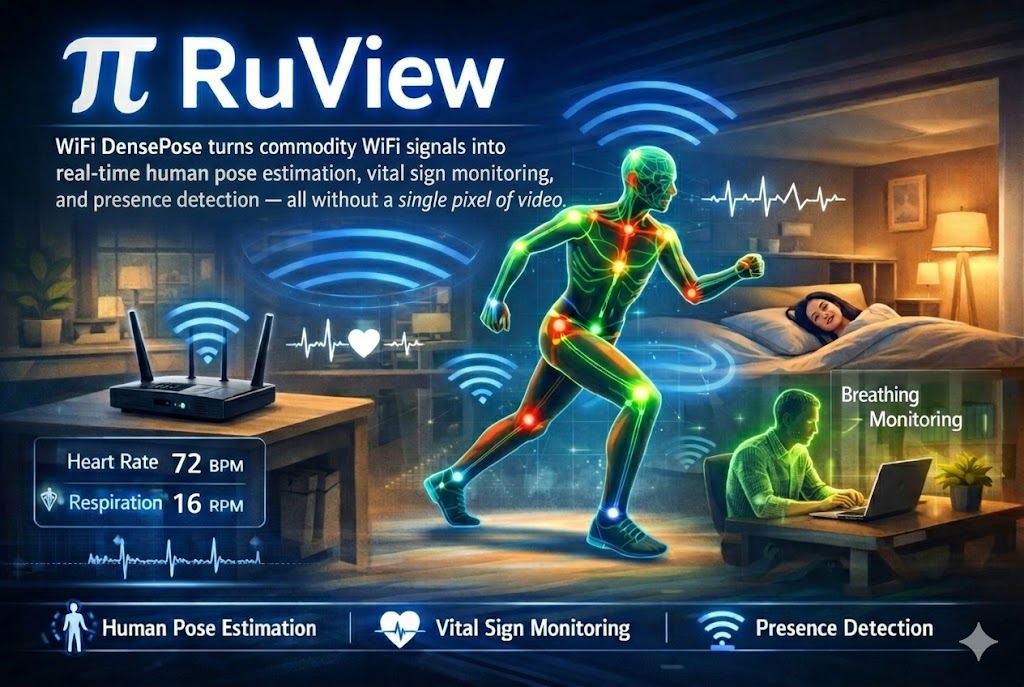
How WiFi Becomes Eyes
The technology builds on research originally from Carnegie Mellon University, which proved that WiFi signals carry enough information to reconstruct human poses. RuView takes that academic concept and turns it into a practical, installable system.
Here's the basic idea: WiFi signals are radio waves that pass through walls, furniture, and people. When they hit a human body, they scatter in predictable patterns. By placing 3 to 6 small sensor nodes (ESP32-S3 chips, about $8 each) around a room, RuView captures those patterns from multiple angles and uses AI to reconstruct a 17-point skeleton of the person — similar to what a motion-capture suit does in movie studios.
The numbers behind the system
| Processing speed | 54,000 frames per second |
| Vital signs | Breathing (6-30 BPM) and heart rate (40-120 BPM) |
| Range | Up to 5 meters, through concrete walls |
| Body tracking | 17 body points (like a motion capture suit) |
| Latency | Under 100 microseconds per frame |
| Hardware cost | ~$54 for 6 ESP32-S3 nodes |
Life-Saving or Privacy Nightmare?
The answer is both — and that's what makes this project so important to understand.
The case for it
RuView's most compelling uses are in healthcare and safety. The system includes 65 specialized modules for scenarios like:
- Elderly care — detect falls, monitor breathing during sleep, alert caregivers if someone hasn't moved in hours
- Search and rescue — WiFi penetrates rubble and debris, potentially detecting trapped survivors
- Hospital monitoring — track patient vitals without attaching wires or cameras
- Smart buildings — occupancy detection for HVAC (heating/cooling) optimization without surveillance cameras
Crucially, WiFi sensing produces no images or video. Under privacy regulations like GDPR (Europe's data protection law) and HIPAA (US healthcare privacy law), it avoids the strict requirements that apply to camera systems.
The case against it
The same technology that monitors grandma's breathing can also track anyone in a building without their knowledge. The system works through walls, requires no line of sight, and the sensors look like ordinary WiFi equipment. RuView also includes modules for "intrusion detection," "loitering alerts," and "perimeter breach" — features that blur the line between safety and surveillance.
Running It Yourself
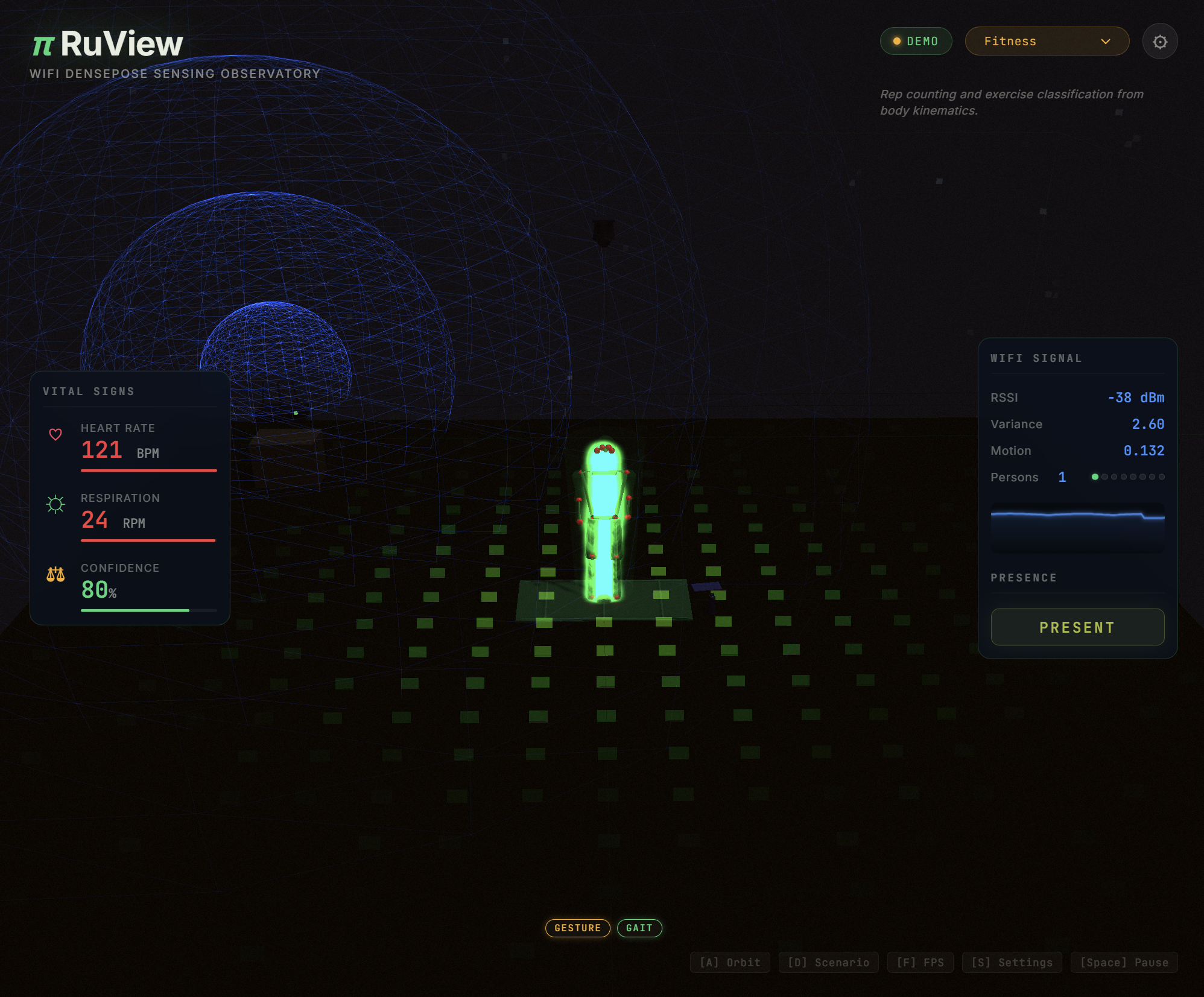
RuView is fully open source (MIT license) and runs locally — no cloud, no recurring fees. The quickest way to try the visualization dashboard:
docker pull ruvnet/wifi-densepose:latest
docker run -p 3000:3000 ruvnet/wifi-densepose:latest
For actual WiFi sensing (not just the visualization), you'll need ESP32-S3 sensor nodes — about $8 each on Amazon or AliExpress. The recommended setup is 3-6 nodes placed around a room. The system bootstraps from raw WiFi data alone, so you don't need to train it with labeled data.
The Bigger Picture
WiFi sensing isn't new in research labs, but RuView makes it accessible to anyone with $54 worth of hardware and a Docker install. With 42,000 stars, it's one of the fastest-growing open-source projects in the sensing space.
The technology raises an uncomfortable question: your WiFi router is already broadcasting the signals that could track you. RuView just built the software to listen. Whether that's used for good (fall detection, energy savings) or bad (surveillance, stalking) depends entirely on who installs it.
Related Content — Get Started with Easy Claude Code | Free Learning Guides | More AI News
Sources
Stay updated on AI news
Simple explanations of the latest AI developments