MLX-VLM: Free Local Vision AI for Apple Silicon Mac
MLX-VLM lets Mac users run vision AI models locally — free, private, no cloud fees. Apple Silicon optimized. No subscriptions. Trending on GitHub.
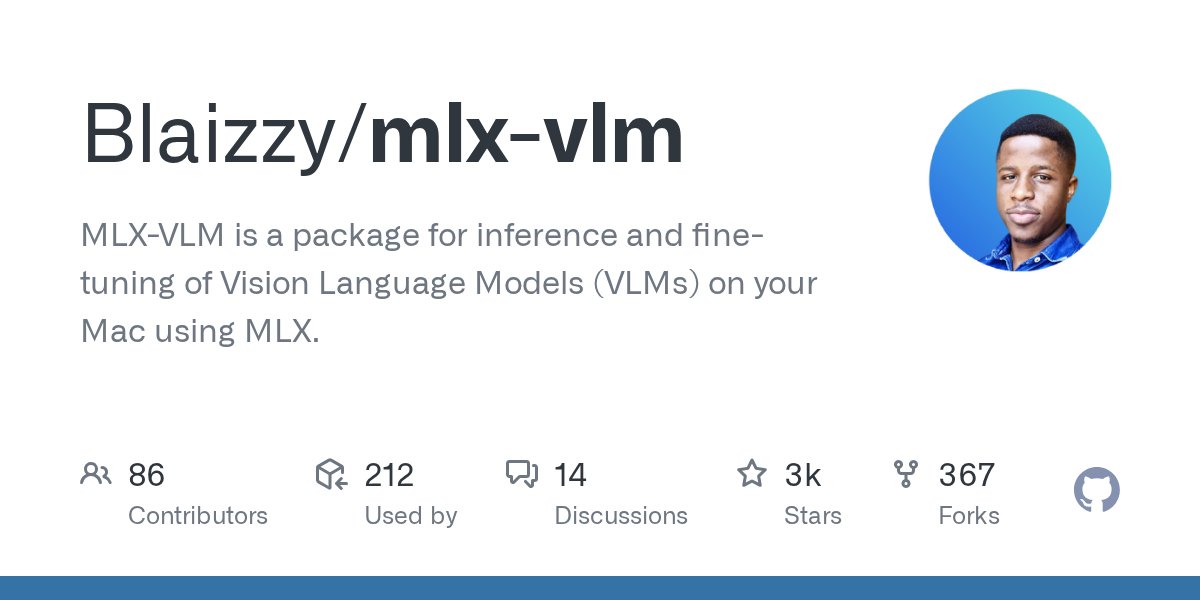
MLX-VLM is a free, open-source tool that brings local vision AI to Apple Silicon Macs — run vision models entirely on-device with zero cloud fees and full data privacy. Every time you send a photo to a cloud AI service, you're paying per image — and trusting someone else's servers with your data. MLX-VLM, an open-source package that just hit GitHub's daily trending list, lets Mac owners run vision AI models (software that understands and analyzes images) entirely on their own hardware, for free, with no internet connection required.
Built by developer Blaizzy, it runs on Apple's MLX framework (Apple's native machine learning engine, purpose-built for M-series chips like M1, M2, M3, and M4). This isn't a demo project — it supports both running pre-trained models and fine-tuning (customizing a model on your own labeled dataset) on-device. It just landed on GitHub trending, and the reason is simple: for Mac users, it eliminates a monthly bill entirely.
Why Developers Overpay for Cloud Vision AI
Vision-language models — or VLMs (AI systems that can examine an image and respond to questions about it in natural language) — have been commercially locked behind cloud APIs (Application Programming Interfaces — pay-per-use gateways) for most of their existence. OpenAI's GPT-4 Vision, Claude's Vision, and Google Gemini Vision all charge per image analyzed, which adds up fast for anyone processing documents, photos, or screenshots at scale.
Consider a practical scenario: a developer building a document digitization tool that extracts data from scanned invoices. At $0.01 per image on a cloud API, processing 10,000 invoices per month costs $100 — before any other infrastructure. At 100,000 images per month, that's $1,000 monthly just for vision AI calls. MLX-VLM eliminates that entire cost.
Beyond cost, there's a privacy dimension that matters in regulated industries. Cloud vision APIs mean your images — whether medical scans, legal documents, or proprietary product photos — leave your machine and pass through a third-party server. MLX-VLM keeps every pixel local, which matters for compliance, legal confidentiality, or simply data sovereignty.
MLX-VLM Features: Local Vision AI for Mac at Zero Cost
The package offers two core capabilities that go beyond a simple offline image viewer:
- Inference (running a pre-trained model on new images): Load a vision-language model, supply an image and a text prompt, receive a structured response — all processed on your Mac's chip, not a cloud server
- Fine-tuning (adapting the model to your specific domain): Train on your own labeled image-text pairs — ideal for product defect detection, medical image classification, or custom document extraction workflows
- Apple Silicon optimization: MLX-VLM leverages the unified memory architecture (where CPU and GPU share the same RAM pool, eliminating costly data transfers) for faster performance than generic frameworks on the same hardware
- 4-bit quantized model support: Quantization (a compression technique that reduces model file size by roughly 75%) means even large 7-billion-parameter models fit within 8–16GB of RAM — standard on modern Macs
- Zero API billing: Process 1 image or 100,000 images — the marginal cost is identical: $0
Install MLX-VLM: Run Local Vision AI on Mac in Under 5 Minutes
Installation uses standard Python packaging. Open Terminal on your Mac and run:
# Install MLX-VLM
pip install mlx-vlm

# Run inference on a local image
python -m mlx_vlm.generate \
  --model mlx-community/llava-1.5-7b-4bit \
  --image path/to/image.jpg \
  --prompt "What does this document say?"
The mlx-community organization on Hugging Face (a platform for sharing AI models, comparable to GitHub but for machine learning) hosts pre-converted, MLX-optimized models. Download once, run locally indefinitely — no account required for inference. A 7B model at 4-bit quantization uses roughly 4–6GB of disk space and 8GB of RAM during inference. Most M1/M2/M3 Macs handle this comfortably. For a broader guide on setting up local AI tools without cloud dependencies, see our local AI automation guides.
MLX-VLM vs Cloud Vision AI: Side-by-Side Comparison
The local AI ecosystem has expanded fast. Here's where MLX-VLM fits relative to tools you may already know:
- vs. Ollama: Ollama handles text-only LLMs (Large Language Models — AI that reads and writes text) and runs cross-platform on Mac, Windows, and Linux. MLX-VLM specifically targets vision models on Mac hardware. They're complementary, not competing
- vs. OpenAI GPT-4 Vision: Cloud-based, $0.01–0.03 per image analyzed, requires an active internet connection, and images are processed on OpenAI's servers. MLX-VLM is free, offline, and fully private
- vs. vLLM: vLLM (a high-throughput inference engine for cloud deployments) targets server-side NVIDIA GPU clusters. MLX-VLM targets single-machine Mac setups with consumer hardware
- vs. LLaVA on generic CPU: Running LLaVA (an open-source vision-language model) on a standard laptop CPU can take 30–60 seconds per image. MLX-VLM's hardware-specific optimizations deliver meaningfully faster inference on the same Mac hardware
Why Local AI on Mac Is Accelerating in 2026
MLX-VLM trending on GitHub is part of a broader pattern, not an anomaly. Ollama crossed 50 million downloads running LLMs locally. Cursor became one of the fastest-growing developer tools in 2024. Apple has shipped on-device AI models since iOS 17 in 2023. The direction is consistent: AI inference is migrating from centralized cloud servers to hardware you already own — and the tools to make that practical are arriving fast.
The main constraint is worth being honest about: MLX-VLM is Mac-only. Windows and Linux developers who want comparable local vision AI today need alternatives like llama.cpp with LLaVA, or InternVL on a consumer NVIDIA GPU. The MLX framework that makes this tool fast on Apple Silicon is also its platform limit — it doesn't run elsewhere.
If you own an Apple Silicon Mac and have been paying for cloud vision AI — or avoiding vision AI entirely because of cost — MLX-VLM is worth testing this weekend. Start with a quantized 7B model from the mlx-community on Hugging Face, point it at documents or photos you work with daily, and measure real inference speed on your own machine. The barrier is now a single pip install. Visit our setup page for step-by-step guidance on building your first local AI automation workflow.
Related Content — Get Started | Guides | More News
Stay updated on AI news
Simple explanations of the latest AI developments