Claude Code One-Click iTerm2 Launcher for macOS Developers
Launch Claude Code in one click on macOS using iTerm2 shell scripts. End 5-minute terminal setup forever — exact script and profile config included.
Every developer knows the friction: start a new Claude Code session, navigate to the project folder, set your API keys, activate the right environment, then type the same launch commands — again. It is five minutes of setup before you write a single line of code. A ZDNet writer just solved it for good.
David Gewirtz, a veteran technology writer at ZDNet who covers AI tools and developer productivity, published a guide showing how to launch Claude Code inside iTerm2 with a single click — turning five minutes of manual terminal setup into under three seconds of automated initialization.
The Repetition Problem Slowing Down AI-Powered Developers
Claude Code (Anthropic's terminal-based AI coding assistant, which reads and edits files directly on your machine and can run terminal commands on your behalf) works fundamentally differently from browser-based AI tools. Rather than asking you to paste code snippets into a chat window, Claude Code operates inside your actual project directory — which means every new session starts with the same ritual: navigate to the right folder, configure your environment, export API credentials, then launch the tool.
For developers managing multiple projects, this adds up fast. Ten projects, five sessions each per week, five minutes of setup per session — that is over four hours a month spent just initializing your AI assistant. Gewirtz's iTerm2 integration cuts all of it to a single click.

iTerm2: The macOS Terminal That Automates Itself
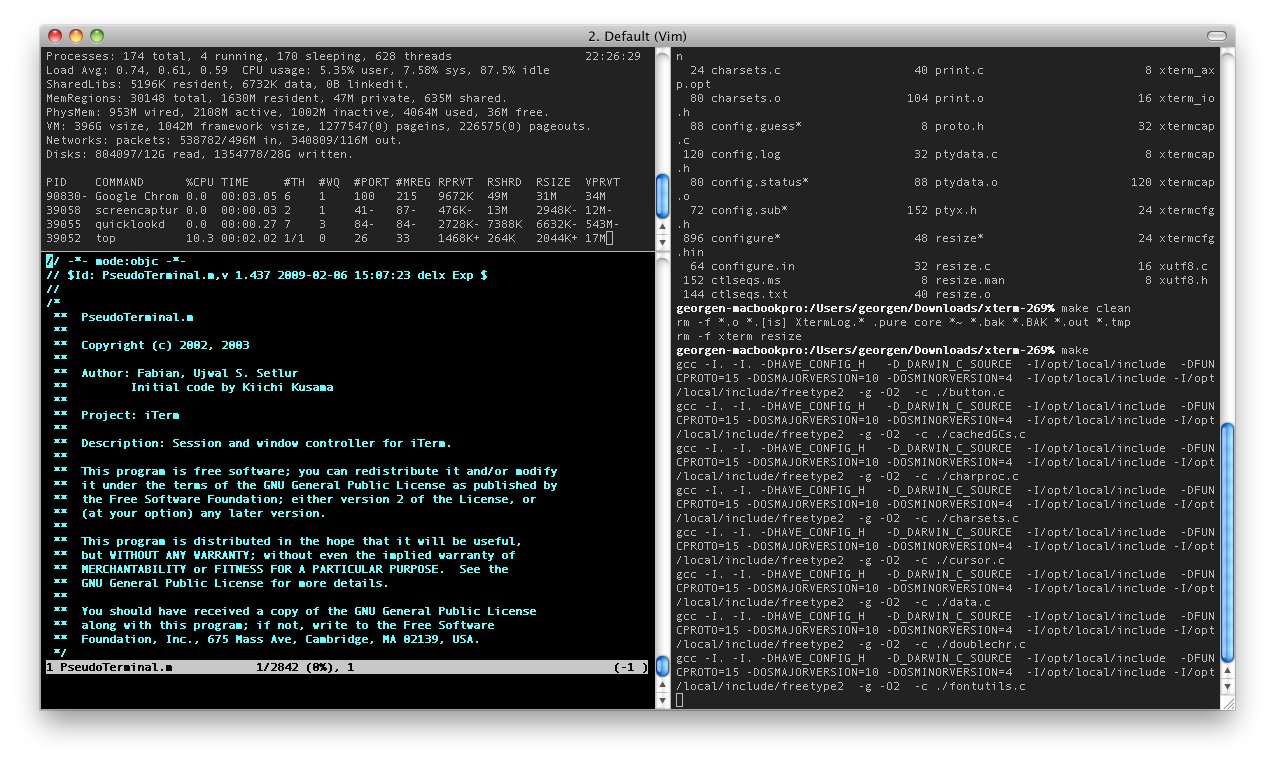
iTerm2 is a free, open-source terminal emulator (a program that replaces macOS's built-in Terminal app with more advanced features, including split panes, search, and automation) that most macOS developers already use — but whose most powerful feature is almost universally ignored: Profiles.
Each Profile in iTerm2 is a saved configuration that includes a startup command, a default working directory, a color scheme, and a window size — all triggered with a single click from the app's menu or dock icon. Pair this with a shell script (a small automation file written in Bash that runs a sequence of terminal commands in order), and you have a one-click project launcher that requires zero manual input.
The Claude Code Launch Script in Practice
A Claude Code project launcher script handles four things automatically in sequence:
#!/bin/bash
# Claude Code one-click project launcher
# Save as ~/scripts/launch-myproject.sh
# Then run: chmod +x ~/scripts/launch-myproject.sh

# 1. Navigate to your project directory
cd ~/projects/my-app

# 2. Activate virtual environment if it exists
# (a sandboxed Python copy that keeps dependencies separate from your system)
if [ -d ".venv" ]; then
  source .venv/bin/activate
fi

# 3. Load your Anthropic API key from a secure config file
# Never hardcode credentials — store them separately
export ANTHROPIC_API_KEY=$(cat ~/.config/anthropic/key.txt)

# 4. Launch Claude Code
claude
Once saved and made executable, you configure a new iTerm2 Profile (under Preferences → Profiles → General → Command) to run this script on launch. From that point on, clicking that Profile opens a fully initialized Claude Code session for that specific project — no typing, no navigation, no forgotten environment variables.
One Profile Per Project: The Real Productivity Unlock
The deeper benefit here is not just saving time on one project — it is creating a dedicated launcher for every codebase you work on. Each iTerm2 Profile can have a different script, a different color scheme (so you instantly know which project window you are looking at), and a different window title. Switching between three projects becomes as fast as switching between browser tabs.
This approach also quietly solves a team consistency problem. If your launcher script lives inside the project repository (tracked alongside your code in Git, the version control system most developers use), every team member gets the same initialization experience. No more differences in how Claude Code is configured across developer machines — a surprisingly common source of friction when teams first adopt AI coding tools.
Compared to other approaches, the terminal-script method wins on almost every practical metric:
- Browser-based Claude.ai: Requires navigating to a website, has no direct access to your files, forces you to paste code context manually every session
- VS Code with AI plugin: Heavier memory usage (typically 400–800 MB for VS Code alone), GUI-dependent, not scriptable without extensions
- Manual terminal setup: 3–5 minutes per session, prone to mistakes when you forget a step, no consistency between machines
- iTerm2 Profile + shell script: Under 3 seconds from click to ready, fully scriptable, version-controllable, shareable with teammates in a single commit
New to Claude Code on macOS? Our Claude Code setup guide walks through the initial installation and configuration before you automate your workflow with iTerm2.
Why Terminal-First AI Automation Is Growing Fast
Gewirtz's guide reflects a broader shift in how professional developers approach AI coding tools. When Anthropic launched Claude Code in early 2025, it was a deliberate bet that backend engineers, DevOps specialists, and open-source contributors would prefer an AI assistant that meets them in the terminal — rather than asking them to context-switch to a browser or install a GUI plugin.
Claude Code's ability to read entire codebases, run tests, modify files across multiple directories, and execute shell commands made it uniquely suited for this workflow. But tool capability only matters if the tool gets used consistently. And tools get used consistently when starting them costs almost nothing.
The iTerm2 integration adds nothing new to Claude Code's capabilities. What it adds is near-zero startup friction — and in developer productivity research, friction reduction consistently outperforms feature additions for long-term tool adoption. The developers who use Claude Code most effectively are not the ones with the most sophisticated prompts. They are the ones who made it as easy to start a session as it is to open a new browser tab.
For macOS developers who have tried Claude Code but found the initialization tedious enough to skip on busy days, this setup is worth one hour of configuration that pays back immediately — and every day after. The full guide, including Gewirtz's exact iTerm2 Profile settings and script examples, is available at ZDNet. iTerm2 itself is free at iterm2.com, and Claude Code is available via Anthropic at anthropic.com/claude-code.
Related Content — Get Started | Guides | More News
Sources
Stay updated on AI news
Simple explanations of the latest AI developments