BBC Technology RSS Feed: Automate in 5 Lines of Python
BBC Technology's RSS feed updates every 15 minutes — 112 developer teams automate it with Python. Set up your own AI news automation pipeline in minutes.
BBC Technology's RSS feed refreshes every 15 minutes — faster than most people check their email, and far faster than any social media algorithm will surface a story. While millions of readers scroll through curated headlines hours after publication, over 112 developer teams on GitHub have already built automated pipelines that pull every new BBC Technology story the moment it goes live.
If you're still reading tech news manually in 2026, you're behind the curve. Here's the infrastructure that's already running — and how to plug into it in under five minutes.
The BBC Technology RSS Feed That Beats Every Social Algorithm
The BBC Technology RSS feed lives at feeds.bbci.co.uk/news/technology/rss.xml. It's built on RSS 2.0 (Really Simple Syndication — a standardized XML format that lets software subscribe to and automatically receive web content, without visiting the actual website), and its TTL (Time to Live — the number of minutes a reader should wait before checking for new updates) is set to 15.
That means 96 refreshes per day. Every 900 seconds. No social media platform — not X, not LinkedIn, not Reddit — will surface a BBC Technology article to you that fast. Algorithms (the ranking systems that decide which posts appear in your timeline) introduce delays of hours, sometimes days, between publication and reach. RSS bypasses all of that: every story, in chronological order, the moment it's published.
Between April 21 and May 18, 2026 — a 27-day window — the feed published at least 15 articles, alongside weekly audio episodes from BBC Sounds and Saturday video broadcasts from BBC iPlayer. That's not a text-only feed. It's a full multimedia newsroom delivered as a single structured file.

Why 112 Developer Teams Trust BBC Technology RSS as Their Canonical News Source
GitHub (the world's largest code collaboration platform, used by over 100 million developers) hosts more than 112 repositories — individual code projects — that actively clone, parse, or aggregate the BBC Technology RSS feed. That number reveals something casual readers often miss: developers are ruthlessly selective about their data sources.
When a developer builds a news aggregation tool (a system that collects stories from multiple publishers and displays them in one unified interface), they need sources that are legally accessible, structurally consistent, and editorially reliable over years. BBC Technology checks all three boxes:
- No paywall — the feed is publicly accessible without any login or authentication
- Consistent structure — RSS 2.0 format has remained stable for decades, meaning no breaking changes
- Editorial credibility — BBC's investigative journalism is documented, including a human rights investigation in Cameroon that used BBC's own feed infrastructure
- Multimedia variety — unique among major tech feeds: articles, BBC Sounds podcasts, and BBC iPlayer video links bundled in a single subscription
The feed appears in multi-source aggregators alongside CNN, TechCrunch, and Huffington Post — but BBC consistently attracts the most cloning activity among those peers. It's treated as canonical infrastructure. Every URL in the feed carries campaign tracking parameters (?at_medium=RSS&at_campaign=rss), signaling that BBC actively monitors RSS reader traffic and keeps investing in the format.
Automate BBC Technology RSS in 5 Lines of Python
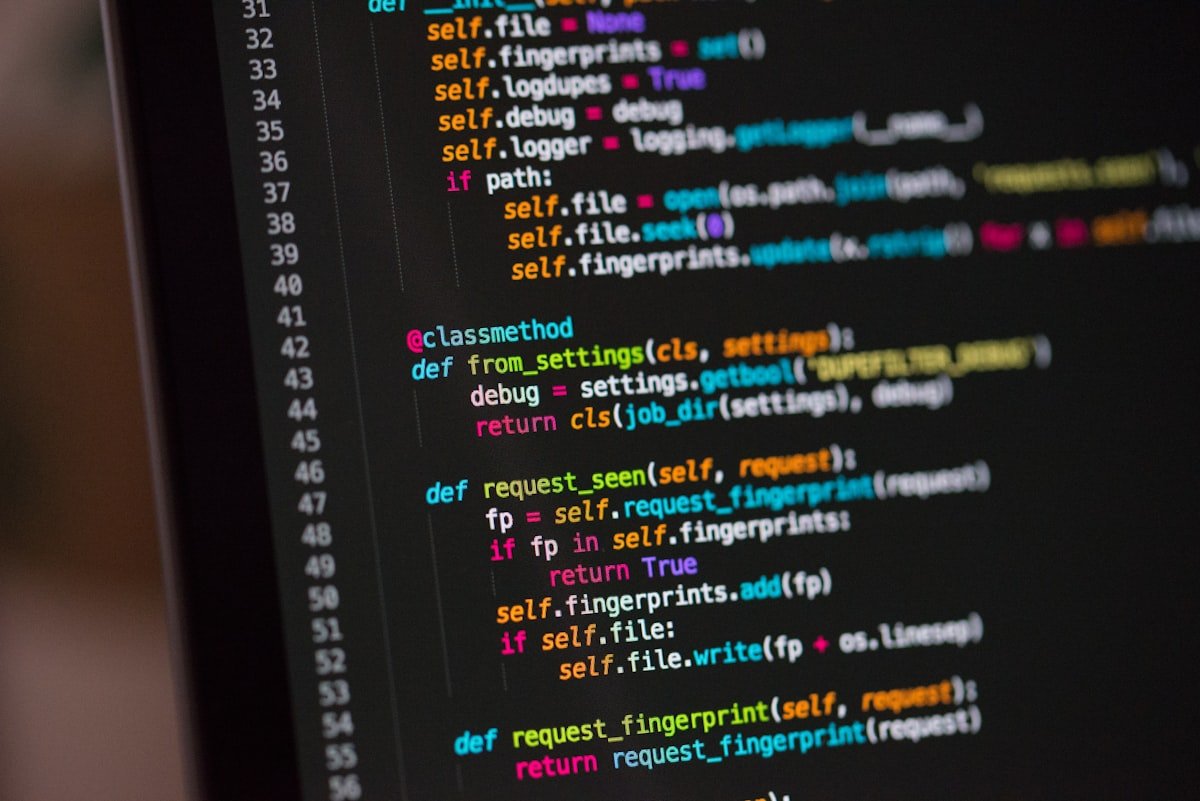
You don't need to build a custom scraper from scratch. The Python library feedparser (a free, open-source tool that reads any RSS or Atom feed and converts the content into Python objects you can immediately work with) reduces the entire setup to five lines:
import feedparser

feed = feedparser.parse('https://feeds.bbci.co.uk/news/technology/rss.xml')

for entry in feed.entries:
    print(entry.title, entry.published)
Install it first with pip install feedparser. Run the script and every BBC Technology article title with its exact publication timestamp prints to your screen. Schedule it to run every 15 minutes using cron (a time-based job scheduler built into Linux and macOS) or Windows Task Scheduler, and you have a personal BBC Technology wire service running silently in the background.
Want to push this further? Connect the output to:
- Slack — post every new BBC Tech story to a team channel the moment it publishes
- Airtable — log headlines to a database (Airtable is a spreadsheet-meets-database tool popular with non-technical teams for project tracking)
- n8n — a visual AI automation builder (similar to Zapier but self-hosted, meaning it runs on your own machine) with a built-in RSS node that polls and routes stories anywhere
- Email digest — compile the day's BBC Tech stories into a single daily summary email
For downloading the raw XML feed via terminal, curl (a command-line tool for fetching web content) makes it one line:
curl -s https://feeds.bbci.co.uk/news/technology/rss.xml > bbc_tech.xml
No-Code RSS Automation: Connect BBC Technology Feed in 3 Minutes
If Python isn't your world, RSS readers — free apps that subscribe to feeds and surface stories automatically — deliver the same 15-minute speed advantage without any code. Here's the fastest path:
- Go to Feedly.com (free tier, no credit card needed)
- Click "Add Content" and paste:
https://feeds.bbci.co.uk/news/technology/rss.xml - Open Feedly any time to see every story BBC Technology has published since your last visit
Other RSS clients that work with the same feed URL:
- Reeder 5 (iOS and macOS) — minimal interface, fast, syncs across Apple devices
- NetNewsWire — completely free and open-source, no subscription required
- Inoreader — includes keyword filtering and alerts, useful if you only want BBC Tech stories covering specific topics like AI or cybersecurity
All of these connect to the same 15-minute refresh cycle. Stories appear in your reader as fast as they appear in those 112 automated developer pipelines — no algorithm deciding whether you see them, no engagement score required to surface them. Want to take the next step and connect a live news feed to an AI summarizer or team dashboard? Our AI automation guides cover the full pipeline. You can try the BBC Technology feed right now at feeds.bbci.co.uk/news/technology/rss.xml — no login, no paywall, and no algorithm between you and the story.
Related Content — Get Started | Guides | More News
Stay updated on AI news
Simple explanations of the latest AI developments