Google Sheets Gemini AI — Auto-Generate Formulas & Charts by Voice, #1 on Global Benchmark
Google's Gemini AI is now built into Google Sheets, automatically generating formulas, charts, and dashboards from natural language. It scored 70.48% on SpreadsheetBench's 912 problems — ranking #1 worldwide and approaching human expert performance.
Google Sheets Gemini AI — The Era Where "Create a Sales Report" Is All It Takes
With Gemini AI now fully integrated into Google Sheets, the way we work with spreadsheets is changing completely. You've probably spent time searching for the right formula in Excel or Google Sheets at least once. Now, you can simply type "Create a dashboard for this quarter's revenue" and the AI handles the formulas, charts, and formatting automatically.
This isn't just another "AI has arrived" story. Google announced that it has claimed the #1 spot worldwide on an official benchmark that measures AI spreadsheet performance in real-world work environments.
SpreadsheetBench World #1 — 70.48% on AI Spreadsheet Benchmark
SpreadsheetBench is a public benchmark that evaluates how well AI handles real-world spreadsheet tasks. It consists of 912 real work questions collected from online Excel forums, testing the ability to process complex data across multiple sheets.
Until now, no AI model had managed to close the gap with human experts on this test. Then Gemini scored a 70.48% success rate, jumping straight to #1. Google stated that this result "not only leads competitors but approaches human expert-level performance."
• Test content: 912 real work questions from Excel forums (sum calculations, conditional formatting, pivot tables, etc.)
• Difficulty: Includes multiple sheets, complex relational data, and non-text elements
• Gemini's score: 70.48% success rate (world #1, approaching human expert level)
• Significance: Previous AI models showed a large gap with humans — Gemini is the first to close it
Google Sheets AI Automation — "Use My Files as Reference" Actually Works Now
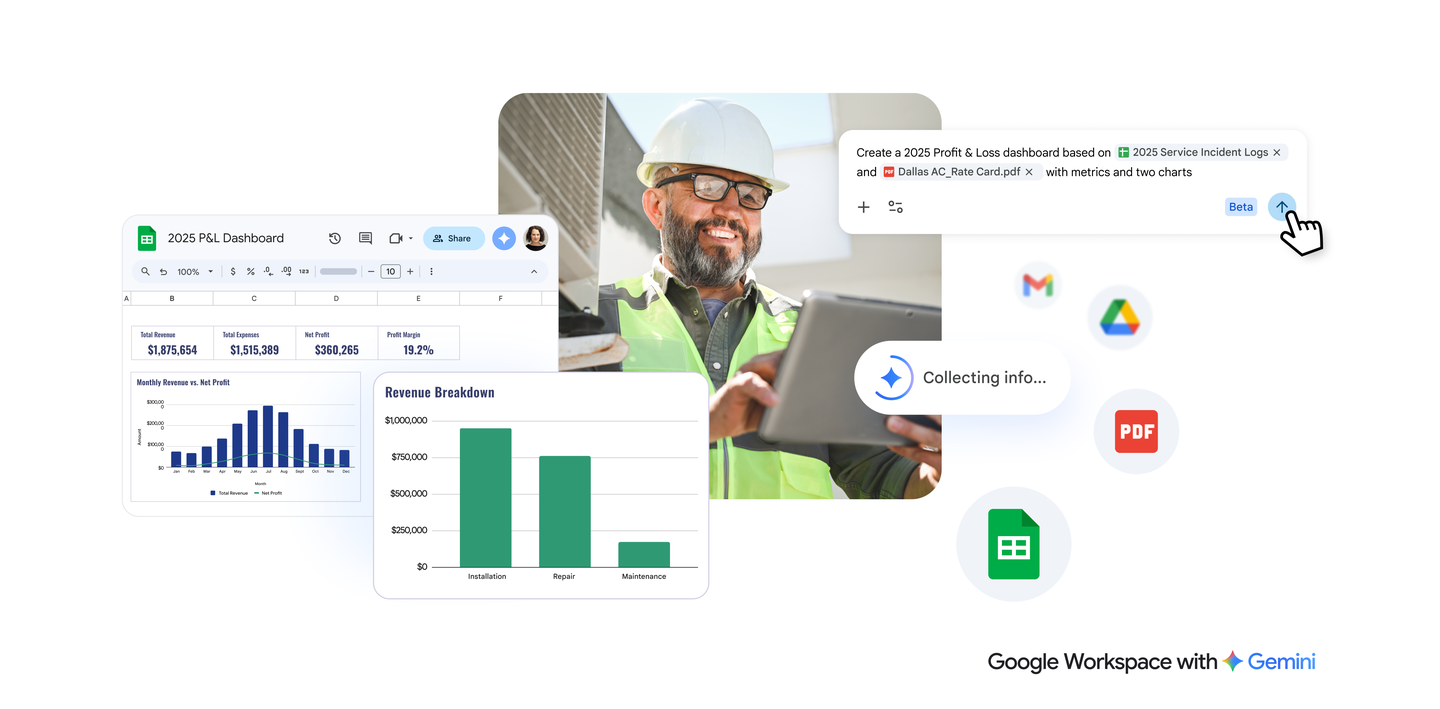
The most notable feature is creating spreadsheets that reference other files. For example, you can point to a service records spreadsheet and a pricing PDF stored in Google Drive, then type "Create a 2025 P&L dashboard based on these two files. Include key metrics and 2 charts."
Gemini takes this instruction and automatically calculates key metrics like total revenue ($1,875,654), total expenses ($1,515,389), net profit ($360,265), and profit margin (19.2%), then generates a monthly revenue trend graph and a revenue breakdown bar chart — all at once.
Previously, building a dashboard like this required manually entering formulas, configuring charts separately, and adjusting formatting — taking at least 30 minutes to an hour. Now, a single sentence does the job. If you're interested in work automation with AI, check out the AI basics learning guide to get started.
Google Workspace AI Upgrade — Expanding to Docs, Slides, and Drive
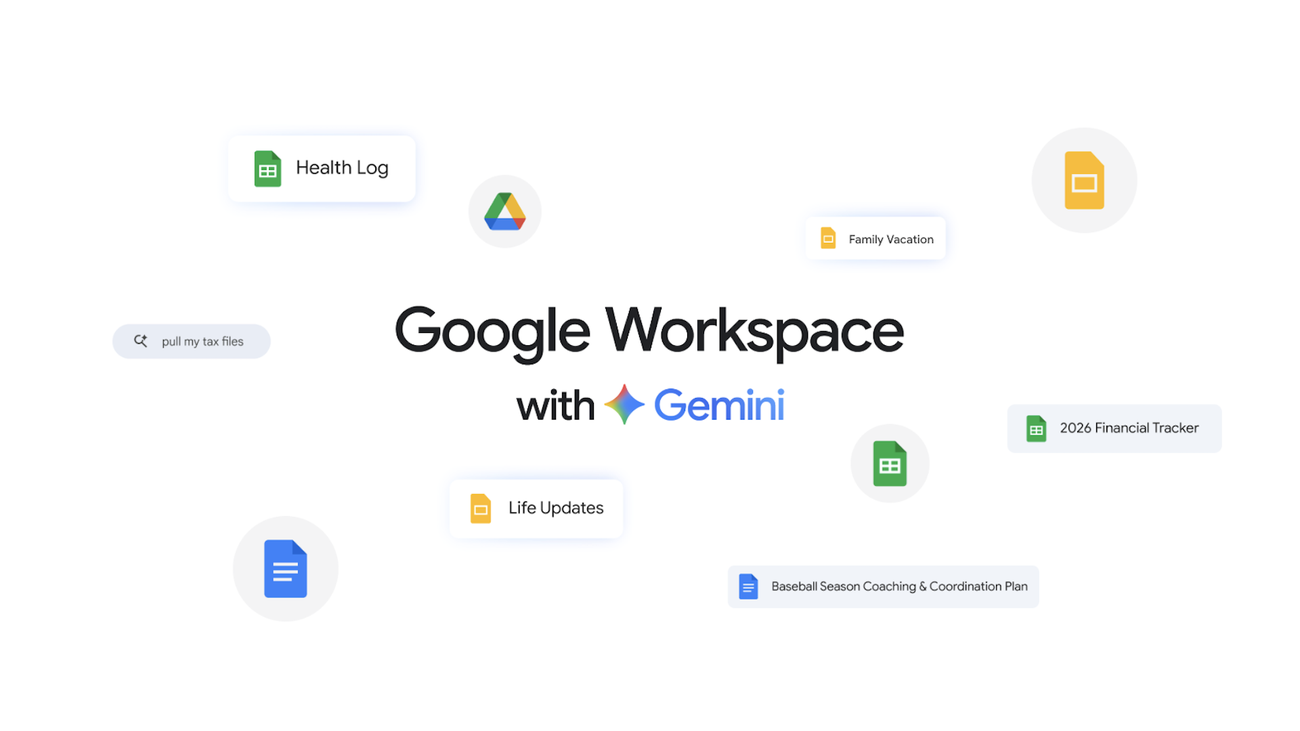
This update isn't limited to Google Sheets. Google has expanded Gemini capabilities across the entire Workspace suite.
Office Workers, Marketers, and Small Business Owners Stand to Benefit Most
If you're an office worker, marketer, or small business owner, pay attention. Even if you don't know what VLOOKUP is or have never created a pivot table, you can now just say "Organize last month's sales by category and add a comparison chart." What matters now isn't formula knowledge — it's knowing what you want to find out.
It's also great news for data analysts and finance teams. You can delegate repetitive dashboard creation to AI and focus on extracting insights from the data.
If you're a student or freelancer, try asking AI to create budget sheets, schedules, or project management spreadsheets. It saves you the time spent hunting for templates.
How to Use Gemini in Google Sheets — Beta Access Details
This feature is currently in beta. It's available to Google Workspace paid plan subscribers (Business Standard and above) or Google One AI Premium subscribers. When you open Google Sheets, you'll see a Gemini icon at the top or in the side panel — simply type your request in natural language there.
Free Google account users can still access some Gemini features (like formula suggestions), but the full sheet creation and editing capabilities announced here are only available on paid plans.
The AI Spreadsheet Era — The Formula Barrier Is Disappearing
Excel and Google Sheets have been essential office tools for over 40 years. But the barrier of formula syntax has kept many people using only basic features. If Gemini succeeds in breaking down this barrier, the line between those who "can" and "can't" use spreadsheets could disappear entirely.
Of course, since it's still in beta, accuracy and stability in real-world work remain to be seen. But scoring near human expert level on an official benchmark means this isn't just marketing copy — it represents a genuine leap in performance.
If you want to learn more about AI and vibe coding, check out the Free Learning Guide.
Related Content — More AI News | Free Learning Guide
Sources
Stay updated on AI news
Simple explanations of the latest AI developments