WordPress.com just let AI agents run your entire blog
WordPress.com now lets Claude and ChatGPT create, edit, and publish posts on your site — with 19 new write operations and full safety controls.
WordPress.com just made one of the biggest moves in AI-powered content management: AI agents can now create, edit, and publish content directly on your website. Not just suggest edits. Not just draft ideas. Actually publish posts, build landing pages, and manage comments — all from a conversation with Claude or ChatGPT.
This isn't theoretical. As of March 20, 2026, any WordPress.com paid plan user can connect AI tools to their site and start managing content through natural language. Say "Write a blog post about remote work and save it as a draft" — and it happens.
From read-only to full control — in 5 months
Back in October 2025, WordPress.com introduced MCP (Model Context Protocol — a universal standard that lets AI tools talk to other apps) with read-only access. AI could look at your site data, analyze traffic, and suggest improvements. But it couldn't touch anything.
Now there are 19 new write operations across six content types:
What AI agents can now do on your WordPress site:
📝 Posts — draft, edit, publish, and delete blog posts
📄 Pages — create landing pages, about pages, contact sections
💬 Comments — approve, reply, delete, and moderate
🏷️ Categories & Tags — create, rename, reorganize
🖼️ Media — update alt text, captions, and accessibility descriptions
It understands your design — not just your words
Here's what sets this apart from other AI writing tools: WordPress.com's AI agents analyze your site's design system before creating anything. They automatically inherit your theme's colors, fonts, spacing, and block patterns. When you ask Claude to "build me a landing page," the result actually looks like it belongs on your site.
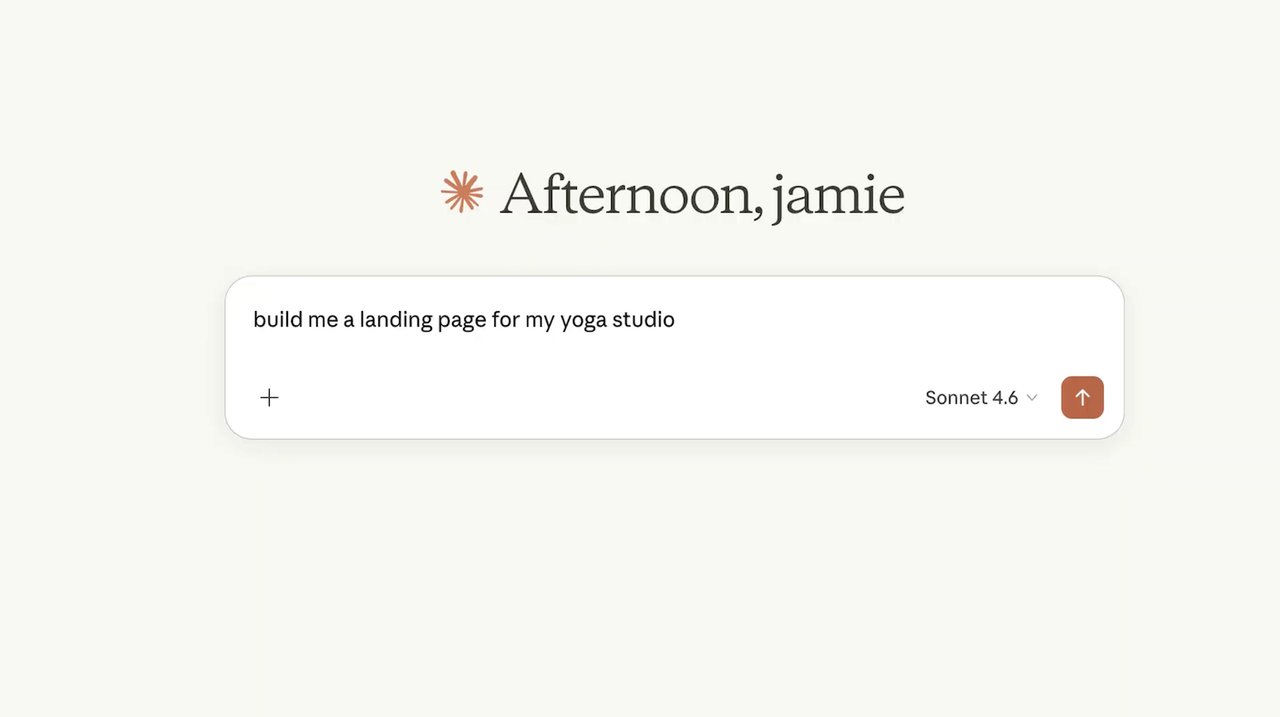
And if you change your theme later, the AI adapts automatically.
Five AI tools work right now
This isn't locked to one AI provider. WordPress.com's MCP integration works with:
- Claude (Anthropic's AI — had a dedicated WordPress connector since February 2026)
- ChatGPT (OpenAI)
- Cursor (AI code editor)
- OpenClaw
- Any MCP-compatible AI tool
If your AI app supports MCP, it can manage your WordPress.com site.
Safety first: nothing happens without your OK
WordPress.com built multiple safety layers to prevent AI from going rogue on your blog:
- Every single change requires your explicit approval before it executes
- New posts default to draft status — not published
- Deleted items go to trash with 30-day recovery
- You get permanent deletion warnings for categories and tags
- An Activity Log tracks every modification the AI makes
- WordPress role-based permissions still apply — the AI can't do more than your account allows
- You can toggle each write operation on or off individually

Real examples of what you can tell the AI
These aren't hypothetical — they're from WordPress.com's official prompt guide:
- "Publish this as a draft, categorize it as 'Travel,' and write a meta description"
- "Create an About page with team, mission, and contact sections"
- "Approve pending comments and reply to pricing inquiries"
- "Find draft content older than 30 days"
- "Clean up spam comments and remove inactive plugins"
- "Which of my sites gets the most traffic?"
How to set it up (under 5 minutes)
You need a paid WordPress.com plan (any tier). Then:
- Go to wordpress.com/me/mcp
- Toggle on the write capabilities you want
- Connect your AI tool (Claude, ChatGPT, etc.)
- Start talking to your site
The full MCP tools reference lists every operation available.
Who should pay attention
Bloggers and content creators: You can now describe a post idea in plain English and have it drafted, formatted, categorized, and scheduled — without touching the WordPress editor once.
Small business owners: Need a landing page for a promotion? Tell Claude what you need. It'll build it using your site's actual design system.
Anyone managing multiple WordPress sites: The AI can search and manage content across all your sites from a single conversation. "Find all draft posts older than 30 days across all my sites" becomes a one-line command.
Accessibility advocates: The media management tools let AI audit your entire image library for missing alt text — and fix it in bulk.
The bigger picture
WordPress powers over 40% of all websites. Giving AI agents write access to the world's most popular publishing platform is a massive shift. Combined with Stripe's recent Machine Payments Protocol (which lets AI agents make purchases), we're watching AI tools graduate from assistants that suggest things to agents that actually do things — with appropriate guardrails.
The question isn't whether AI will manage websites. It's whether the safety controls will keep up with the capabilities. WordPress.com's approval-first approach is a reasonable starting point.
Related Content — Get Started with Easy Claude Code | Free Learning Guides | More AI News
Sources
Stay updated on AI news
Simple explanations of the latest AI developments